Join the conversations to shape a safer, more efficient, and sustainable industrial future!
Recently active
If you perform the following actions in InField while status filters (“Ready,” “In Progress,” and “Done”) are set, I believe the status filters will automatically switch.① If you change the “Done” checklist to “In Progress,” only the “In Progress” filter will remain② If you change the “In Progress” checklist to “Done,” only the “Ready” filter will remain③ When you start reviewing a checklist marked as “Ready,” only the “In Progress” filter remainsRegarding point ③, I believe this is by design since it’s a natural flow considering the user’s workflow; however, we’ve received feedback from our users that points ① and ② are somewhat cumbersome to use.① ⇒ In our company, when an approver reviews the checklists Doned by an inspector, they sometimes review them all at once using the following workflow; however, this creates extra effort when instructing a re-inspection.Workflow OverviewConduct inspection (Inspector)⇒ Once the inspection is Done, change the checklist status to “Doned” (Inspec
Requirement: Improve Evaluation Tool CLI Report DetailsThe Cognite Atlas AI Evaluation Tool CLI should include timing information for each individual evaluation question, including:- Start Time — datetime when the test started.- End Time — datetime when the test finished.- Duration (chatDuration) — total execution time, using a consistent unit such as seconds or milliseconds.This information should also be included in the exported evaluation report to support Agent performance and latency analysis, comparison across Agents, models, skills, and evaluation runs, and overall production-readiness assessment.
Today October 15, 2026 we're announcing the deprecation of the classic asset-centric services in Cognite Data Fusion. They will be fully retired on December 31, 2027. The full list of affected services, and the details for each, is in our official deprecation notice.Many of you have already made the move to Data Modeling and the Core Data Model (CDM). Since late 2024 we've recommended that every new project start on CDM, and all of our new product development has gone into Data Modeling. This announcement completes that shift. Running two parallel architectures slows us down. Focusing on one lets us put all our effort into the foundation that gives you the most value.We know an upgrade takes real work, so we want to be clear about two things: why it's worth it, and what we've done to make it as smooth as possible.Why Data ModelingDescribe your operations in your own language - The classic APIs gave every customer the same fixed shapes: assets, events, time series, files. Data Modeling
When you hover your mouse over a chart in Charts, the tag names of the time-series data being plotted and the corresponding values are displayed. While this is a very useful feature, the information is displayed directly on top of the time-series data, which can sometimes obscure the data itself.Although this can be avoided by moving the mouse pointer away from the chart, it does make the experience slightly less user-friendly.Therefore, would it be possible to display the tag names in a way that minimizes overlap with the time-series data? We would appreciate it if you could look into this.
What a quarter! With Q3 2026 is in the books, let’s take a moment to recognize the people who keep the Cognite Hub thriving: our outstanding community members. Our Top 3 Contributors for the past quarter have gone above and beyond to help their peers, share hard-won knowledge, and spark new ideas across the Hub:🥇 @Kubota Mami – Cosmo Oil Co., Ltd.🥈 @Christophe ALLANIC – TotalEnergies🥉 @Shun Takase – Nippon ShokubaiThank you for sharing your expertise and ideas, for helping others move forward, and for showing us better ways to get things done. 💙👀 And now, a little something to look forward to...Later this October, we’ll announce our Cognite MVPs for 2026. These are the community members whose experience, insights, and honest feedback help their peers succeed and shape where Cognite goes next.New this year: in addition to public recognition, our MVPs will receive exclusive MVP swag, made just for them. 🎁Stay tuned!👇 In the meantime, drop a comment below to help us congratu
We’re reviewing how to ingest data from external REST APIs into CDF RAW and would like to hear how other teams choose between the hosted REST extractor and a Cognite Function.My starting point is the hosted REST extractor when the source can be handled with scheduled requests, pagination, incremental load, and mappings. A Function becomes attractive when the integration needs more complex request sequences or Python logic. But then our team also owns the extraction state, retries, recovery, and monitoring.I’m particularly interested in how you make this decision when: The source API requires calls to multiple endpoints or hosts, or data from several responses must be combined before writing a RAW row. A large initial load cannot finish in one Function execution. The source uses a change timestamp or cursor, and a run can fail after writing some rows but before completing the batch. You need to replay a date range without losing later changes. Authentication or network access ma
We’re designing a layered data model in Cognite Data Fusion and would like to hear how other teams handle the boundary between enterprise and solution models.Our current approach is: Enterprise layer: Create domain views that use implements: to extend relevant CDM or IDM views, with enterprise-owned containers for our domain properties. Solution layer: Create application-specific views that map properties directly from enterprise containers, instead of implementing enterprise views. The intent is to let each solution shape its own consumption interface while reusing the underlying data. We’re considering enterprise containers as the longer-lived storage contract and views as versioned interfaces for different consumers. Cognite’s guide to designing scalable data models appears to support direct container mappings for solution views.For teams using this pattern in production: Do your solution views map directly to enterprise containers, implement enterprise views, or use a mix? What d
Currently the workflows invoke function runs up to the allowed limit and if we try to run other workflows during the same execution they start getting 429 with the error message: {code: 429, message: "The number of running workflows for this project has reached the limit of 50"}We want a mechanism to limit the number of function invocations while setting up the workflow and only for function instances that it would churn up. cc: @Neerajkumar Bhatewara
Hello! I have got a new phone and am not able set up the authenticator app again.Could you please help with the set up.Thanks,Rahul
Add functionality to visualize mathematical formulas rather than the raw LaTeX formatting which Atlas AI currently outputs. If you take a look at the screenshot I think it’s clear that is not a very friendly format to show to our end users Example of preferred output format: Example prompt for replication:Hvordan regner jeg ut volum til 100% fylte endekapsler til en horisontal sylindrisk separator. må anta en endebunnfaktor k, hva betyr denne?Example of how the formulas should be visualized (the visualization of LaTeX, not the raw format)Markus PettersenAker BP - Data Platform Architect
Hello Team,Although i have checked the documentation. I would be interested to understand if there is any discussion to generate charts programattically. this would help us Automate ESP surveillance for wells in one go.the idea is that once a well comes online it would automatically generate a ESP chart.
Hello everyone, I am in the transformation part in the Cognite Fusion Data Fundamentals Part 2 - Hands-on. I ran a transmation as asked but it doesn´´t appear in the filter
This feature request is to add the ability for Charts to send notification alerts via mobile texts. Often times, manufacturing leadership would like to be alerted off-hours for major operational issues. Text messages have proven to be an excellent means of alerting key resources outside of normal working hours.
Team,We are having an issue where a customer can login from certain geo locations but not others.Where access is denied, we get a 403 response. The customer’s IT team is involved, and they can’t seem to solve this issue.Has anyone experienced this issue?
When creating calculations in CHARTS it would be VERY useful to have logic functions (AND, OR, NOT, XOR) which allow multiple (>6 for AND and OR) boolean inputs (TRUE/FALSE) and a single output.This would be really useful for tracking events which may be dependent on multiple conditions being active (or not active).
Hi everyone,The Cognite Python SDK now supports State time series, from cognite-sdk 8.20.0.State time series track the discrete states of equipment, such as OPEN/CLOSED or RUNNING/STANDBY/ERROR. Each time series links to a state set that defines the valid states. CDF validates datapoints against that set and offers aggregates built for states: time spent in each state, number of transitions into each state, and count per state. If State time series are new to you, start here: https://docs.cognite.com/dev/concepts/resource_types/state_timeseriesGetting startedpip install --upgrade cognite-sdk # or uv add cognite-sdkfrom datetime import datetime, timezone from cognite.client import CogniteClient from cognite.client.data_classes import ( StateDatapointsInsert, StateDatapointWrite,)from cognite.client.data_classes.data_modeling import NodeId, StateSetEntry from cognite.client.data_classes.data_modeling.cdm.v1 import ( CogniteStateSetApply, CogniteTimeSeriesApply, ) c
How can we get access to work hands-on with the learning path athttps://cognite-learn.fusion.cognite.com/cdf-fundamentals/data-models?cluster=api.cognitedata.com&workspace=data-management?If not, how can we practice hands-on with Cognite Learn?
Manual rotation of credentials is often time-consuming and leads to outages when done incorrectly. To make it simpler to automate, could Cognite add API endpoints dedicated to updating credentials?This is especially relevant for Cognite functions, which currently require sometimes lengthy redeployments to update secrets. When I ask GitHub Copilot about which API endpoints Cognite Toolkit invokes to update secrets and credentials used by a Cognite function, implementing this myself on top of the existing API seems very brittle.I think automating the rotation of credentials will be much simpler if it can be decoupled from other deployment processes.
When i login to Congite-learn organization, i have access only project cdf-fundamentals when i switch to another project. I don’t access. Please advise and help how to get it.
We observed that search behavior differs between Asset Centric and Data Model.Asset Centric search provides more flexible matching and returns results based on relevance, allowing users to find assets using partial text. The Asset Centric View would performs a Fuzzy Search and returns results that are best match to the search text.However, in Data Model View we are required to input the exact text with correct spacing/hyphenation, prefixes etc. to get the results and does not perform fuzzy search.Users transitioning from Classic to Data Model have found difficult to work with the new search mechanism as they do not always key in the correct names or search queries. While we understand the Search mechanism from Classic cannot be implemented on Data Model we wanted to add a topic to see if we can have the Data Model search to more forgiving and user-friendly through partial matching, typo tolerance, relevance-based ranking or similar mechanisms.
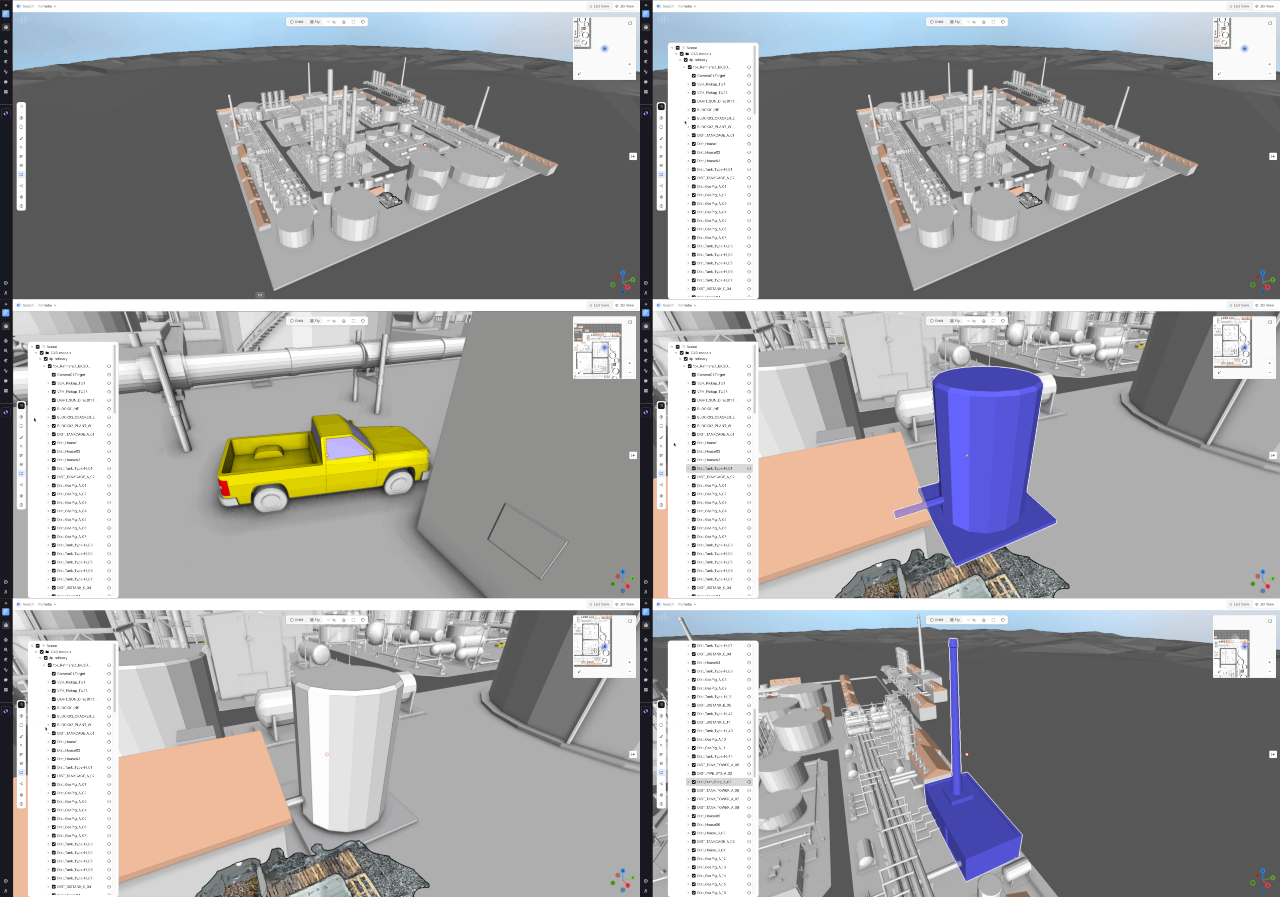
Hi everyone,We’re pleased to share an update to the Unified 3D application in Cognite Data Fusion that makes navigating CAD models faster and more informative.What’s newNew CAD tree display — a structured tree menu on the left side of the screen makes model hierarchy easy to explore at a glance. Node highlight — selecting a node in the tree highlights the corresponding geometry inside the 3D view. Auto-zoom camera — when you pick a node from the tree, the camera automatically zooms to that part for immediate, clear visibility. Node properties via info icon — an info (i) icon at the end of each node name opens a properties panel showing metadata and attributes. The panel opens without changing your current camera view, so you can inspect details while keeping visual context.Why this helpsFaster navigation — jump directly to relevant parts of large models without manual orbiting or searching. Clearer context — highlight + auto-zoom reduces ambiguity about which component you’re inspectin
As we move towards having a data model and location filter we consider as the default for our company we no longer see a use for the system default in most our CDF projects. Is there a way to override the system default so that all new users have one of our custom location filters rather than system default.We are moving away from CDF classic, and we only use the core data model by extension, so the system default causes more confusion at this point than anything else.Rather than “System default”, a “Default” set by ourselves is preferred. Markus PettersenAker BP - Data Platform Architect
Minor UI issue.In Charts, Time series preview often appears messy with overlapping text. Two examples:
Preference to use the term "time series" instead of "trend".
Already have an account? Login
No account yet? Create an account
Enter your E-mail address. We'll send you an e-mail with instructions to reset your password.


 Check the
documentation
Check the
documentation Ask the
Community
Ask the
Community Take a look
at
Academy
Take a look
at
Academy Cognite
Status
Page
Cognite
Status
Page Contact
Cognite Support
Contact
Cognite Support