Check the
documentation
Check the
documentation Ask the
Community
Ask the
Community Take a look
at
Academy
Take a look
at
Academy Cognite
Status
Page
Cognite
Status
Page Contact
Cognite Support
Contact
Cognite Support

Solved
Unable to Populate Data Model with Asset Hierarchy
Hi guys,
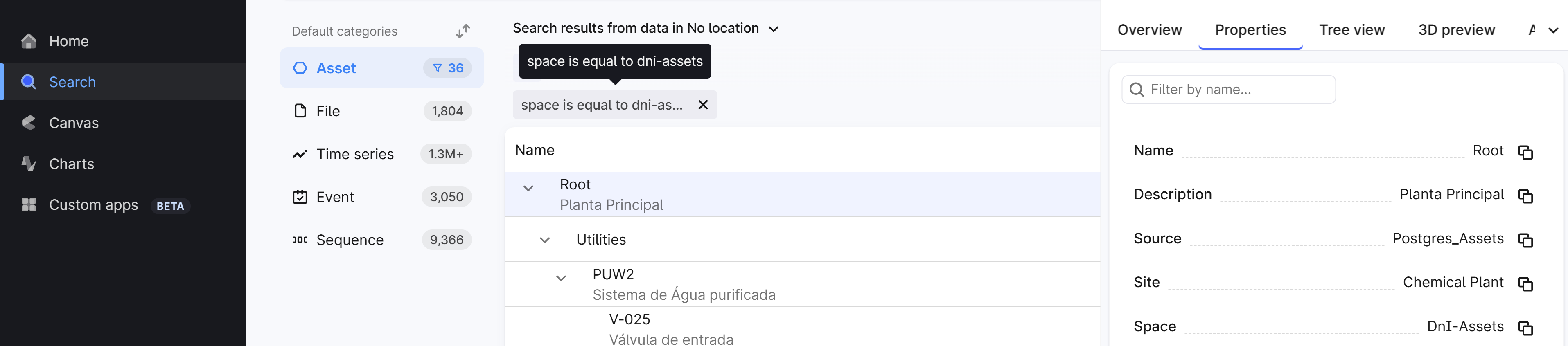
I’m facing an issue while trying to populate a data model and create a hierarchy of assets. Despite following the steps outlined in the microlearning materials step-by-step, I am unable to visualize the asset hierarchy in the data model.
It appears that the hierarchy is not being created, even though the process runs without errors.
For reference, I have attached the transformation I used to populate the data model.
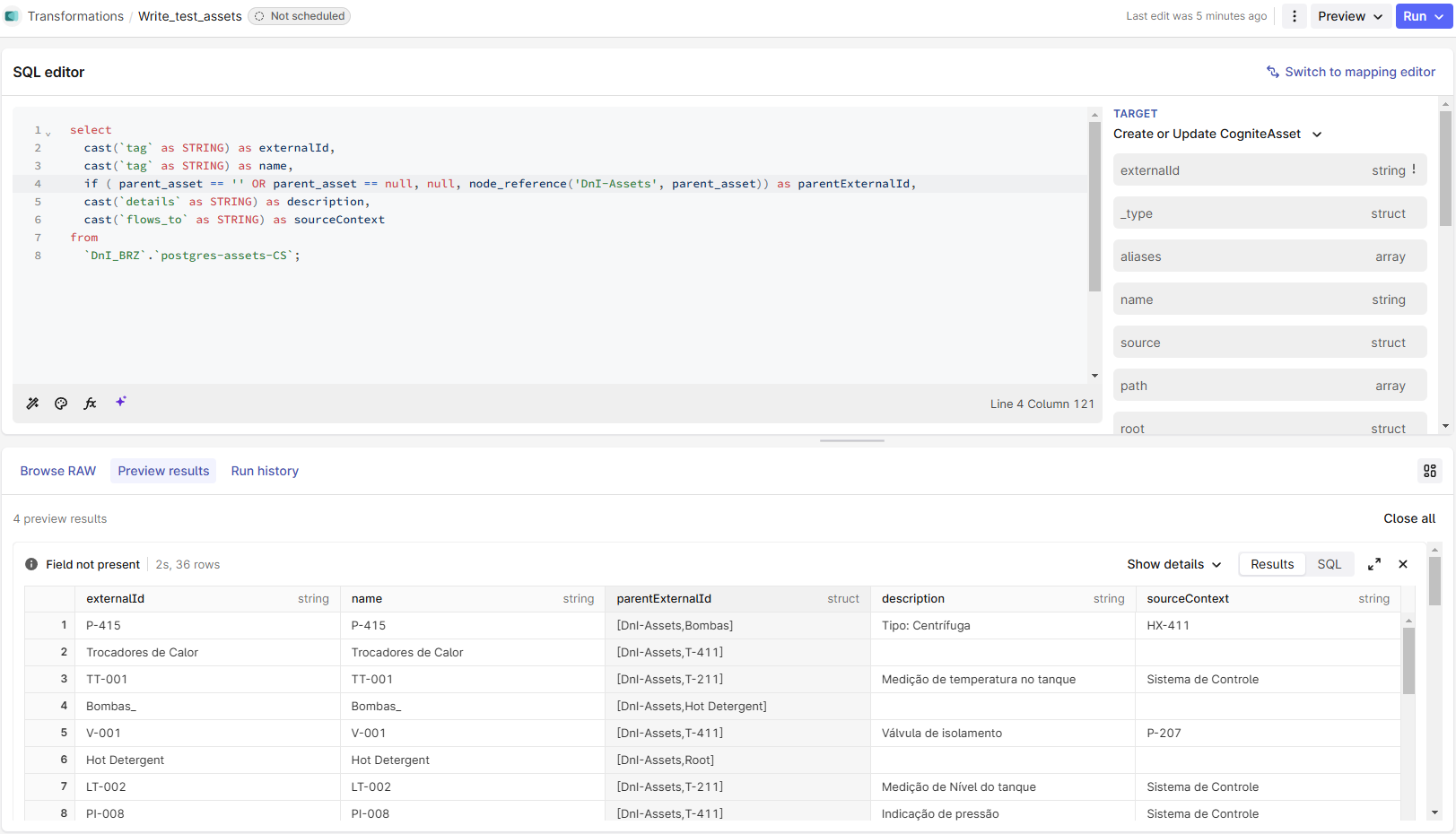
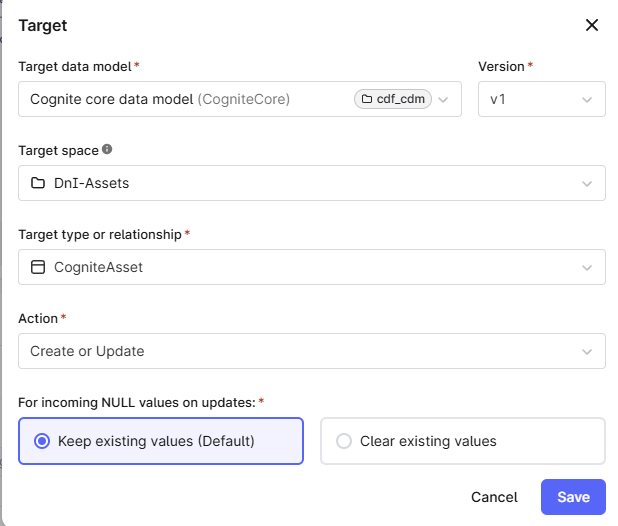
I created the space "DnI-Assets” and the target was the Cognite Core model and Cognite Assets.
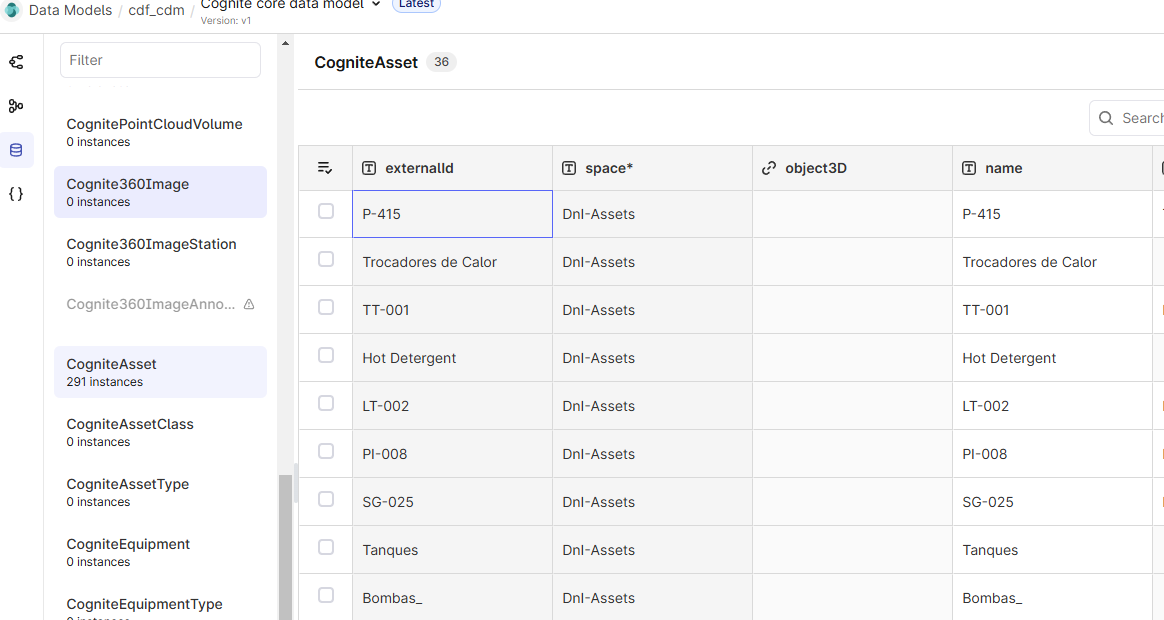
I can see those assets within the data model > Cognite Core > Cognite Assets instances. But not the Hierarchy itself.
I'd like to see the assets hierarchy and the graph views. Any idea how to solve this?
Best regards,
Daniel