
Cognite Academy Instructor
October 29, 2021

CDF Fundamentals Discussion

  • October 29, 2021
  • 177 replies
  • 6452 views

Welcome to the CDF Fundamentals Discussion!

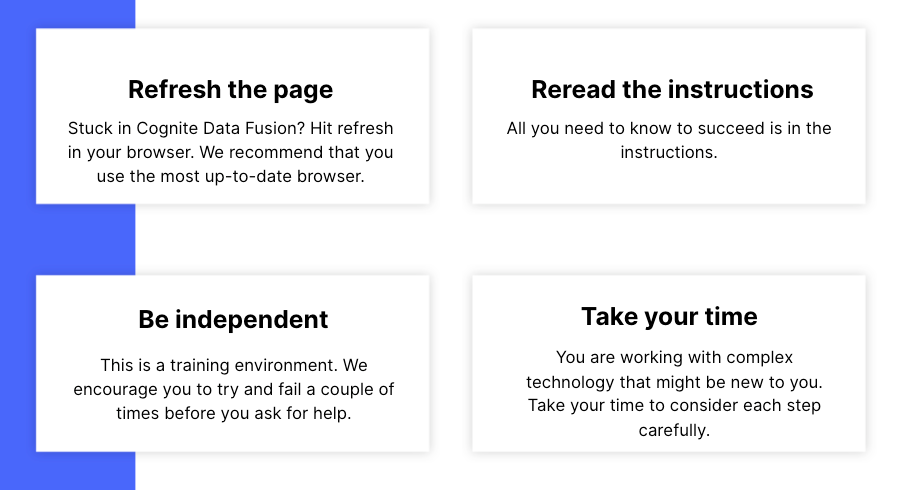
This discussion is dedicated to help learners of the Cognite Data Fusion Fundamentals learning path succeed. If you’re struggling with the exercises in this learning path, try the tips & tricks below or post a comment with the challenge you’re facing. You can also post your own tips and respond to fellow learners’ questions. Cognite Academy’s instructors are also here to help.


177 replies

Active ⭐️⭐️⭐️
November 11, 2024

Hi @Mithila Jayalath 

It looks like they were created using one of transformations when i was trying to solve optional exercise.

I will try to delete them using API. Thank you very much 

Mithila Jayalath
Expert ⭐️⭐️⭐️⭐️
Expert ⭐️⭐️⭐️⭐️
November 11, 2024

@Leonid Kuritsin Thank you for the update. The documentation here will help you to set the dataset_id to the timeseries when you create it using transformations.

Please let me know if you need further assistance.

Active ⭐️⭐️⭐️
November 27, 2024

I am going through the transformation part, I have run it a few times but still no luck. Initially, the error said that ‘parent_loc’ didn’t exist. when I looked at the uploaded asset.csv file in the RAW area it showed ‘parent_loc,,’ so I deleted the table and re-uploaded the data. But it will shows ‘parent_loc,,’ so I just updated the SQL code to match the column name but now I am having another error not sure, can something help, much appreciated. 


Sofie Haug
Expert ⭐️⭐️⭐️⭐️
Cognite Academy Instructor
November 28, 2024

Hi ​@ashyassi! What you can do to get past this blocker is to read from another data set. 

If you do “FROM IFSDB.assets” instead of your own data set, you will be reading from a table that doesn’t have the extra commas at the end. The issue with the “fix” you tried is that it will not find any matches for the parent external id, since the external id doesn’t have the extra commas, but the parten external id column does, and it will not match.

Sofie | Cognite Academy
Committed ⭐️⭐️⭐️
December 29, 2024

Hello guys, I am not able to start the hands-on part of the CDF fundamentals course, because I am not able to upload the CSV file to create the first table. I put the CSV file there and it simply does not appear and do nothing. I don’t know how to continue the course without being able to upload the data.


Mithila Jayalath
Expert ⭐️⭐️⭐️⭐️
Expert ⭐️⭐️⭐️⭐️
January 2, 2025

@Rodrigo Cezar Leão can you please let me know the browser that you are using? I checked using Google Chrome and I was able to upload the CSV without any issues.

Sofie Haug
Expert ⭐️⭐️⭐️⭐️
Cognite Academy Instructor
January 2, 2025

Hi ​@Rodrigo Cezar Leão! If you still have the same issue, just please continue and use the pre-uploaded table available for you. Going forward, you will just do 

“IFSDB.assets” for the CDF transformation 

Sofie | Cognite Academy
Committed ⭐️⭐️⭐️
January 2, 2025


@Rodrigo Cezar Leão can you please let me know the browser that you are using? I checked using Google Chrome and I was able to upload the CSV without any issues.

I could do the upload changing Firefox for Chrome. 


Hi ​@Rodrigo Cezar Leão! If you still have the same issue, just please continue and use the pre-uploaded table available for you. Going forward, you will just do 

“IFSDB.assets” for the CDF transformation 

This information confused me a little. The spreadsheet that must be upload contains the assets data, like the tags names and is called AvevaNet. Later on, we use the IFSDB table to generate the timeseries and fill with the datapoints. So if I understand right what you said, I am suposed to get the spreadsheet AvevaNet data from the IFSDB.assets table?

Sofie Haug
Expert ⭐️⭐️⭐️⭐️
Cognite Academy Instructor
January 2, 2025

@Rodrigo Cezar Leão, I’m sorry for the confusion. There is an extra (backup) in the IFSDB db, with the assets table as well. In case you can’t upload the CSV file. You can continue and read from this table when generating the assets. 

Sofie | Cognite Academy
Seasoned ⭐️⭐️⭐️
January 16, 2025

Hello,
I am redoing this course from two years ago, 
and I am at the moment in (Working With CDF: Integrate) step: (Complete data set documentation)
And I noticed an issue I didn’t face before when selecting ( document Data Extraction) for my Data Catalog
I am unable to select the DataBase / Table
I even tried with anew data base, and other users databases, I tried both google chrome & Microsoft Edge
but to no avail, the box won’t tick:


I sometimes notice this message too when opening Document Extraction : ( Something went wrong: [object object] )
 

Is it something I missed ? I tried refresh many times and different browsers (new logins)
