

 Check the
documentation
Check the
documentation Ask the
Community
Ask the
Community Take a look
at
Academy
Take a look
at
Academy Cognite
Status
Page
Cognite
Status
Page Contact
Cognite Support
Contact
Cognite Support

Cognite Simulators Connectors. Access to Files stored in Cognite Data Models
Current state
We use Cognite Simulator Connectors to run simulations.
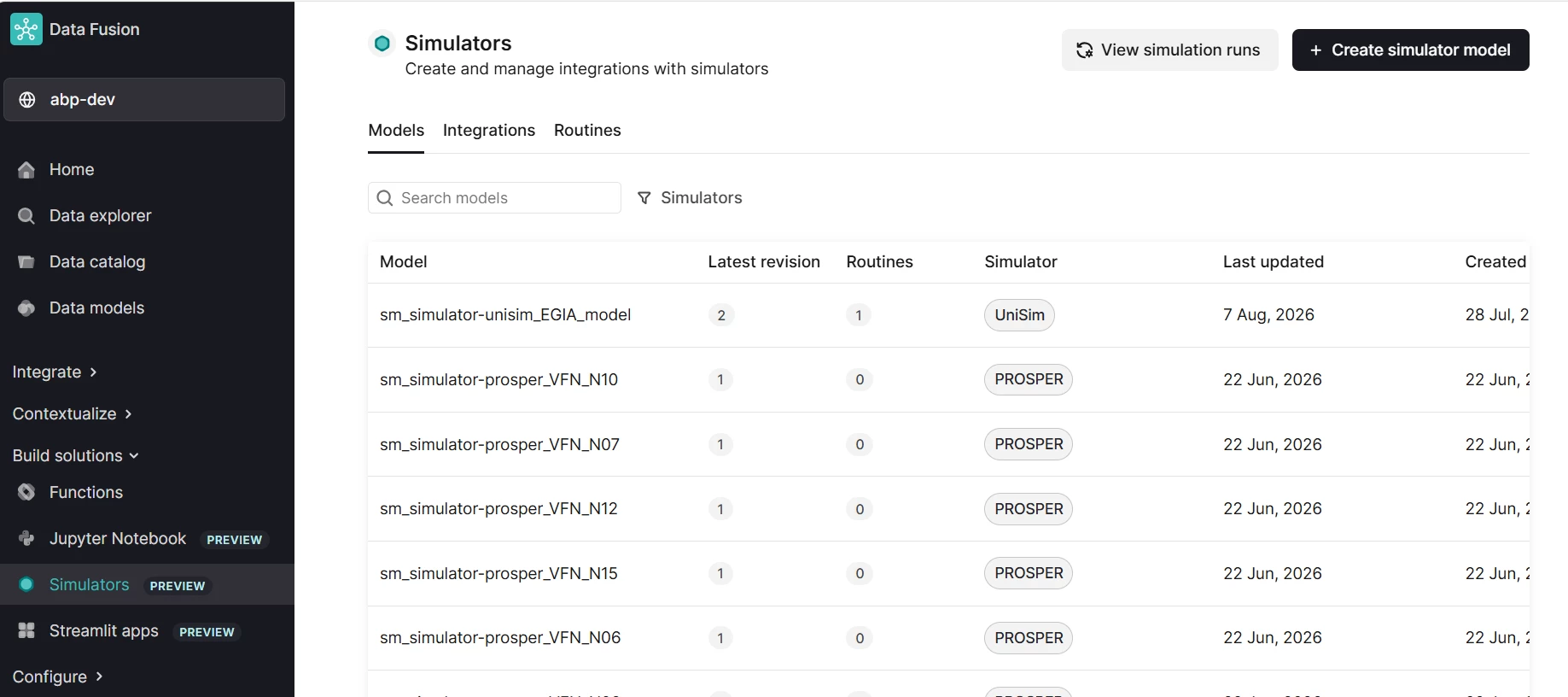
To run a simulation, a model must first be available in the Simulator Models list. Today, this is done through a data engineering process where a simulation file (for example, a PROSPER or UniSim model) is ingested into CDF as a simulator model. Once the model is available, a Routine can be created and executed against it.
Possible future state
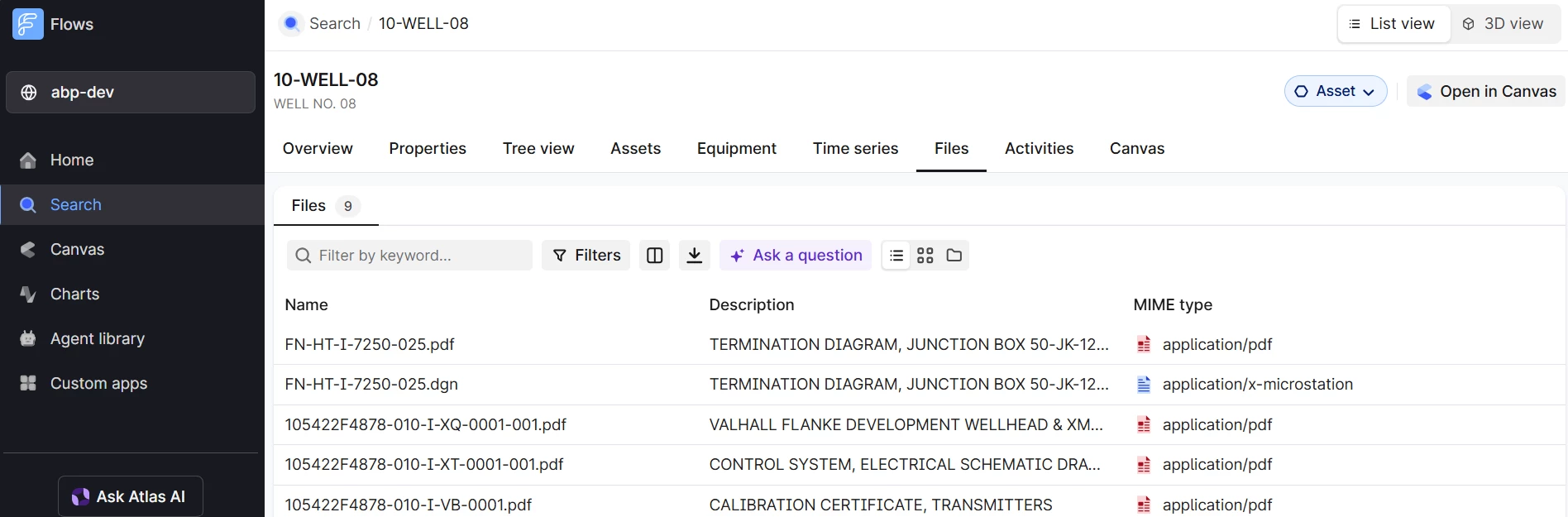
We are considering storing simulation files directly in Cognite Data Models (they are not stored there today, but we can develop an ingestion pipeline ingesting these files from the sources and into Cognite Data Models). For example, simulation files could be associated with a Cognite Asset, such as 10-WELL-08:
Question
If these simulation files are stored in Cognite Data Models, can they be used directly when executing Simulator Routines?
Or do the files still need to be imported/copied into Simulator Models’ list before they can be used by the Cognite Simulator Connectors?
