Hi Ravindra,
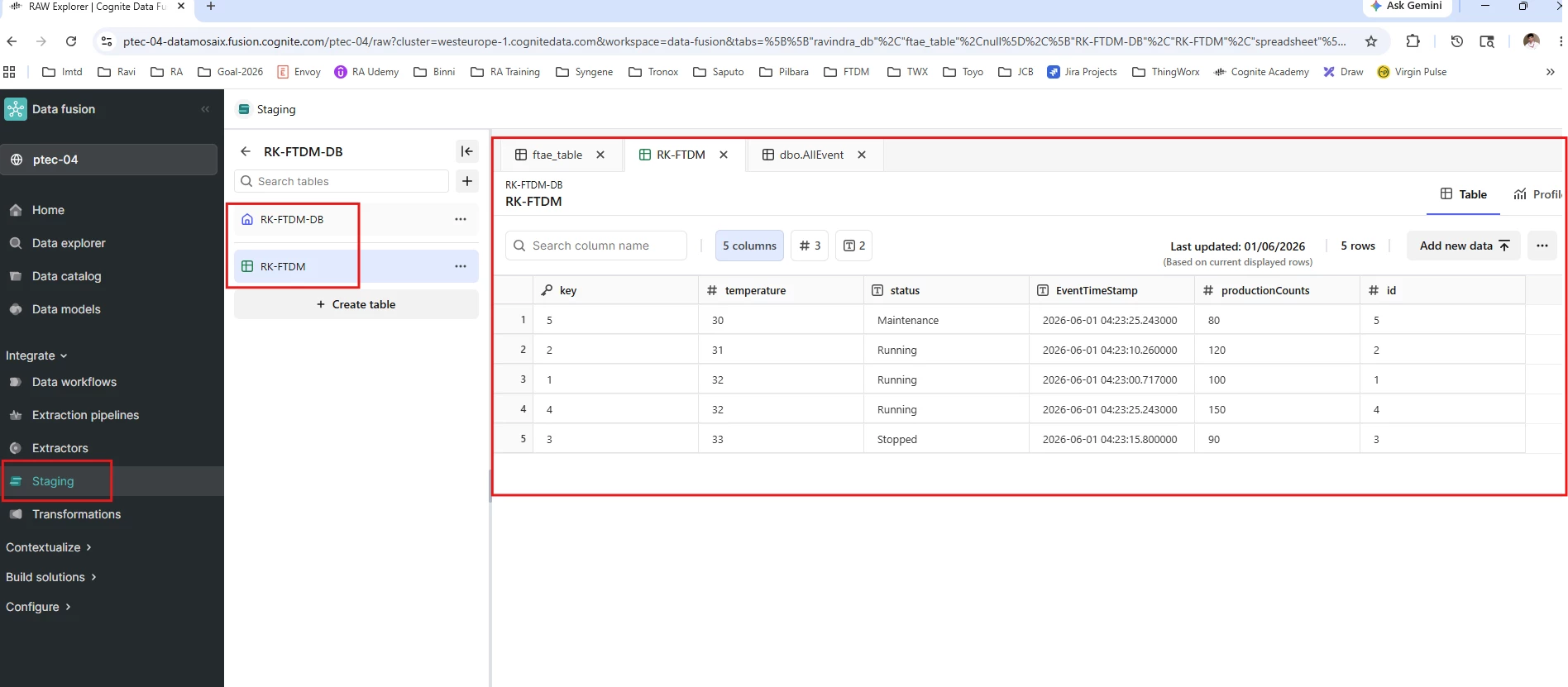
First, since your project is on the westeurope-1 cluster (as shown in your Fusion URL), you should use the cluster-specific base URL rather than api.cognitedata.com:
GET https://westeurope-1.cognitedata.com/api/v1/projects/ptec-04/raw/dbs/RK-FTDM-DB/tables/RK-FTDM/rows/list
Second, you need an OAuth 2.0 access token from your Identity Provider. The token is then passed in the Authorization header of every request.
Key parameters you need (from your CDF/IdP admin):
TENANT_ID – Your Azure AD tenant ID
CLIENT_ID – Your app registration client ID
CLIENT_SECRET – Your app registration client secret
CDF_CLUSTER – westeurope-1
COGNITE_PROJECT – ptec-04
Python example (client credentials flow):
import requests
TENANT_ID = "<your-tenant-id>"

CLIENT_ID = "<your-client-id>"

CLIENT_SECRET = "<your-client-secret>"

CDF_CLUSTER = "westeurope-1"

COGNITE_PROJECT = "ptec-04"
# Step 1: Get access token

token_url = f"https://login.microsoftonline.com/{TENANT_ID}/oauth2/v2.0/token"

token_payload = {

    "grant_type": "client_credentials",

    "client_id": CLIENT_ID,

    "client_secret": CLIENT_SECRET,

    "scope": f"https://{CDF_CLUSTER}.cognitedata.com/.default"

}
token_response = requests.post(token_url, data=token_payload)

access_token = token_response.json()["access_token"]
# Step 2: Call the RAW rows/list endpoint

url = f"https://{CDF_CLUSTER}.cognitedata.com/api/v1/projects/{COGNITE_PROJECT}/raw/dbs/RK-FTDM-DB/tables/RK-FTDM/rows/list"

headers = {

    "Authorization": "Bearer " + access_token,

    "Accept": "application/json"

}
response = requests.get(url, headers=headers)

print(response.json())
I hope this helps. Feel free to reach out to me in Rockwell Teams to discuss further.


 Check the
documentation
Check the
documentation Ask the
Community
Ask the
Community Take a look
at
Academy
Take a look
at
Academy Cognite
Status
Page
Cognite
Status
Page Contact
Cognite Support
Contact
Cognite Support