

 Check the
documentation
Check the
documentation Ask the
Community
Ask the
Community Take a look
at
Academy
Take a look
at
Academy Cognite
Status
Page
Cognite
Status
Page Contact
Cognite Support
Contact
Cognite Support

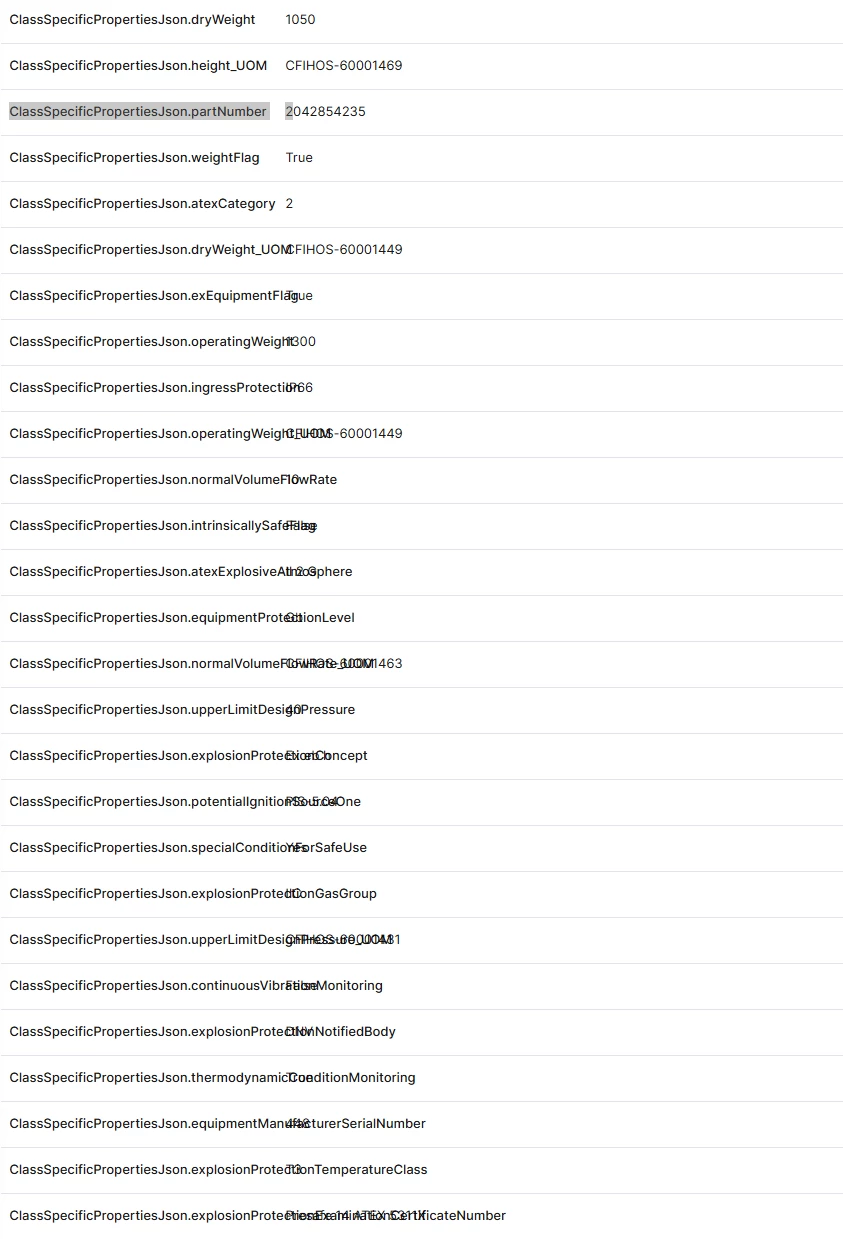
Properties page in Search: key spills over into the value column
Using Search, when selecting an instance and then choosing the Properties tab, all the populated properties are listed with the key and value in two columns.
The key column is apparently a fixed width column (40ish char wide), not possible to manually resize, and it doesn’t resize when the browser window is resized.
This becomes a problem when the property key is long, something that may happen when the property is a JSONObject such that the key becomes “nested”
Below is an example of how it looks
It seems like the UI is able to wrap the line if the key either has a space or a hyphen, but not else (have not tried all characters...)
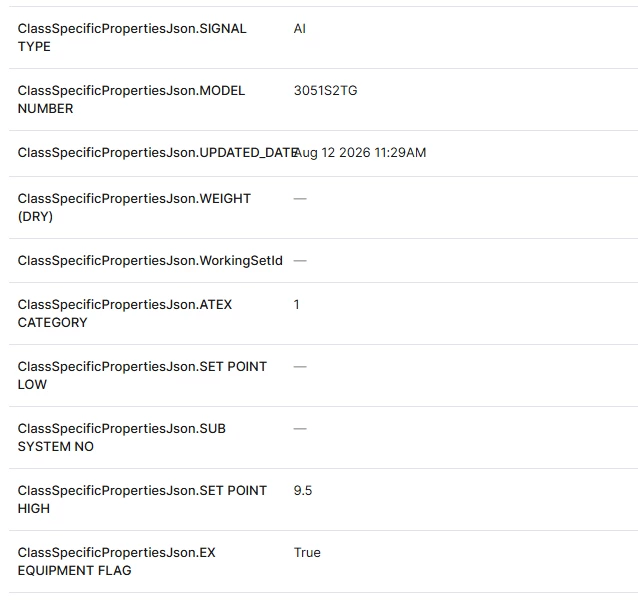
We can of course mitigate this by creating more compact keys, but it would be really helpful if we could resize the column such that our key naming convention do not have to take a 40 character UI limitation into account.
