Check the
documentation
Check the
documentation Ask the
Community
Ask the
Community Take a look
at
Academy
Take a look
at
Academy Cognite
Status
Page
Cognite
Status
Page Contact
Cognite Support
Contact
Cognite Support

Frequently Asked Questions (FAQ) - Academy
Below we have outlined several frequently asked questions about Cognite Learn and their corresponding answers.
Don’t see the answer to your question? Post as a reply in this thread and we’ll be sure to answer and/or add it to the FAQ list below!
Protip: Use [cmd+f] or [cntrl+f] to search for keywords related to your question.
FAQs
How can I sign up to Cognite Academy?
Follow the steps in this guide. If you have already signed up for Cognite Hub, you can sign in to Cognite Learn with the same email and password.
Where can I see my course progress?
All your certificates and course progress are available under My Overview from the top navigation.
Where can I find my certificate?
All your certificates and course progress are available under My Overview from the top navigation.
How can I watch a video if I get an error saying ‘This video cannot be played. (Error code:232011)’?
This error is related to your browser. Make sure that your browser is up-to-date. You can find the list of supported browsers here, under For Student Domains.
If the issue still persist, try the suggestions outlined in this article.
How can I access a page when I get a ‘Page Not Found’ error?
Try one or more of the following tips and tricks:
- Check if you are signed in. If you aren’t, sign in to Cognite Academy.
- If you are signed in to Cognite Academy, sign out and sign in again.
- Verify that you are using the correct URL.
If the issue still persist, message academy@cognite.com
How can I access a page when I get a view.genial.ly error?
The page you are trying to view contains interactive content. Check the following:
1. Your browser:
a) Do you have any plugins/extensions installed in the browser, such as Privacy Badger, uBlock? If so, then disable them to view a genially
b) Accept cookies from https://genial.ly/
c) Empty your browser's cache by following this procedure, then restart your browser.
2. The settings of your Antivirus may block access to certain web pages. We advise you to add an exception for genially linked URLs. The settings of your Antivirus may block access to certain web pages. We advise you to add an exception for genially linked URLs
3. VPN setup can be problematic. We recommend that you disable it.
4. The last thing to try is connecting to your mobile internet.
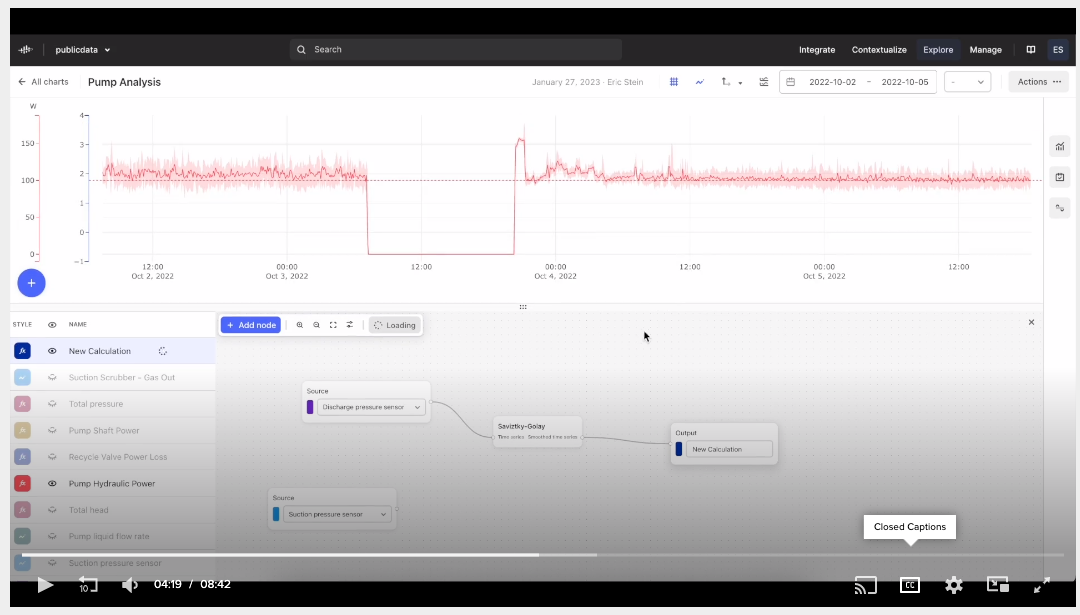
How can I enable subtitles on a video?
Most of our videos have subtitles. To enable them, click the cc button in the video player.