Check the
documentation
Check the
documentation Ask the
Community
Ask the
Community Take a look
at
Academy
Take a look
at
Academy Cognite
Status
Page
Cognite
Status
Page Contact
Cognite Support
Contact
Cognite Support

Implemented
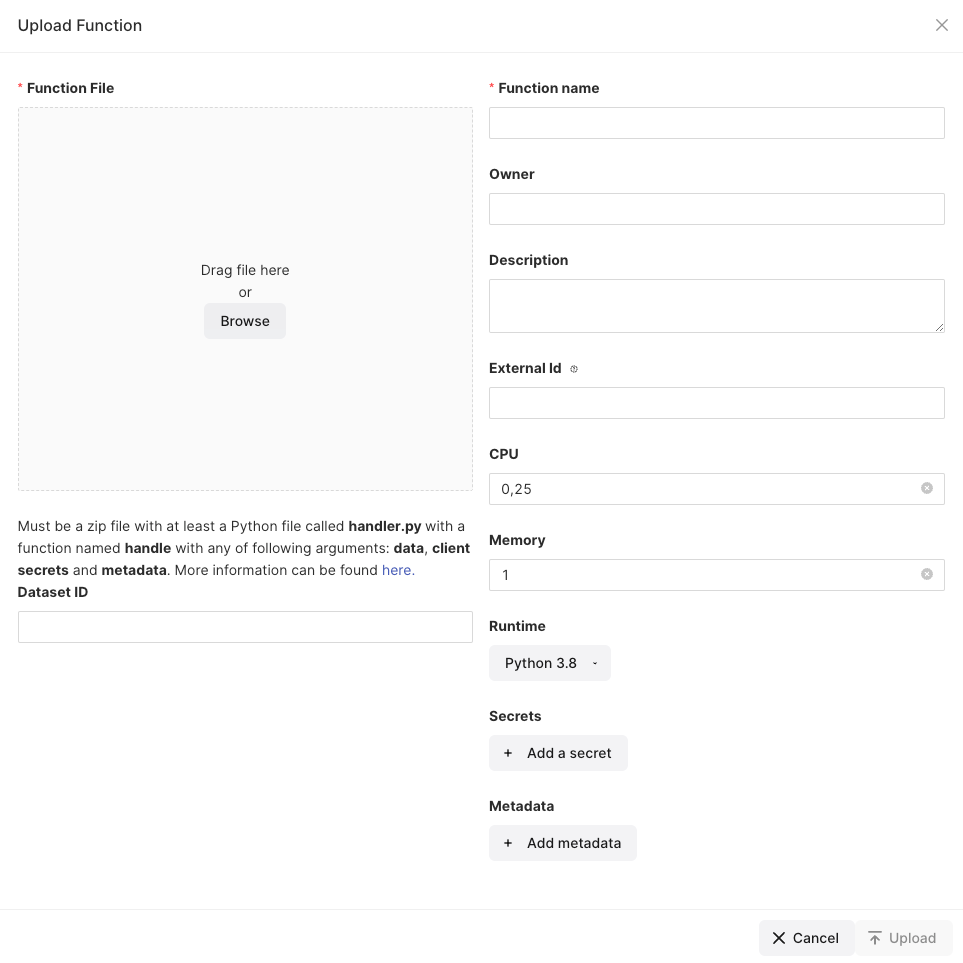
Upload function from file: Data set ID should be made clear that it requires an integer number
When using functions for the first time, I tried adding my function by uploading from a zipped Python file as instructed in the docs.
At the bottom of the screen for uploading a function, it asks for Data set ID.
In the Data explorer, I found data set names in text, so I tried entering this name into the box, thinking it was the ID.
The text was deleted by the frontend, with no feedback on what was wrong.
Trying again, and it gets deleted again.
Then I noticed I could type a number into the box and it would stay there, but it wasn’t very helpful.
The frontend could be more helpful here, showing why it deletes the text I wrote and pointing out what is actually required in that field.