

 Check the
documentation
Check the
documentation Ask the
Community
Ask the
Community Take a look
at
Academy
Take a look
at
Academy Cognite
Status
Page
Cognite
Status
Page Contact
Cognite Support
Contact
Cognite Support


Gathering Interest
How do i rotate .pdf previewed in the fusion UI?
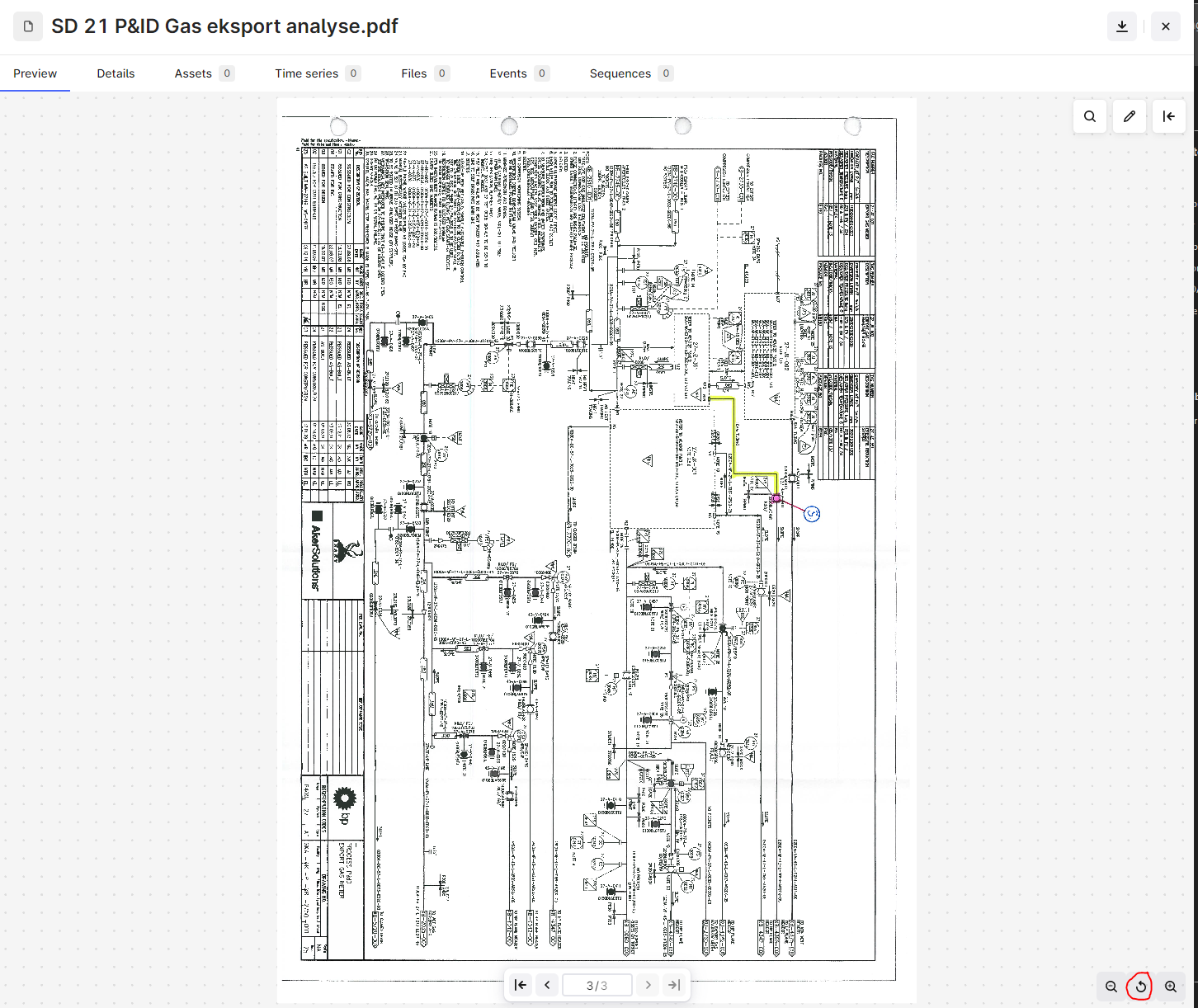
There is a rotate symbol, but the rotate symbol does not rotate the image, but it resets the view to “fit to full page”.
How do I rotate the documents previewed? or do i need to download it and do it an do it in a native app?
And if not so, can rotation functionality in the document viewer? and maybe change to icon of the rotate symbol and also maybe remember the rotation of the page in the viewer aswell? cause there are often documents and diagrams combind in a single pdf file?
