Question

I cannot access "learn" project in Cognite Data Workflows Lab Academy Course

  • July 16, 2026
  • 10 replies
  • 56 views

Masaki Takeuchi
Practitioner ⭐️⭐️⭐️
Forum|alt.badge.img+1

I am learning on Cognite Data Workflows Lab Academy Course
And, I tried to login CDF demo project following this manual

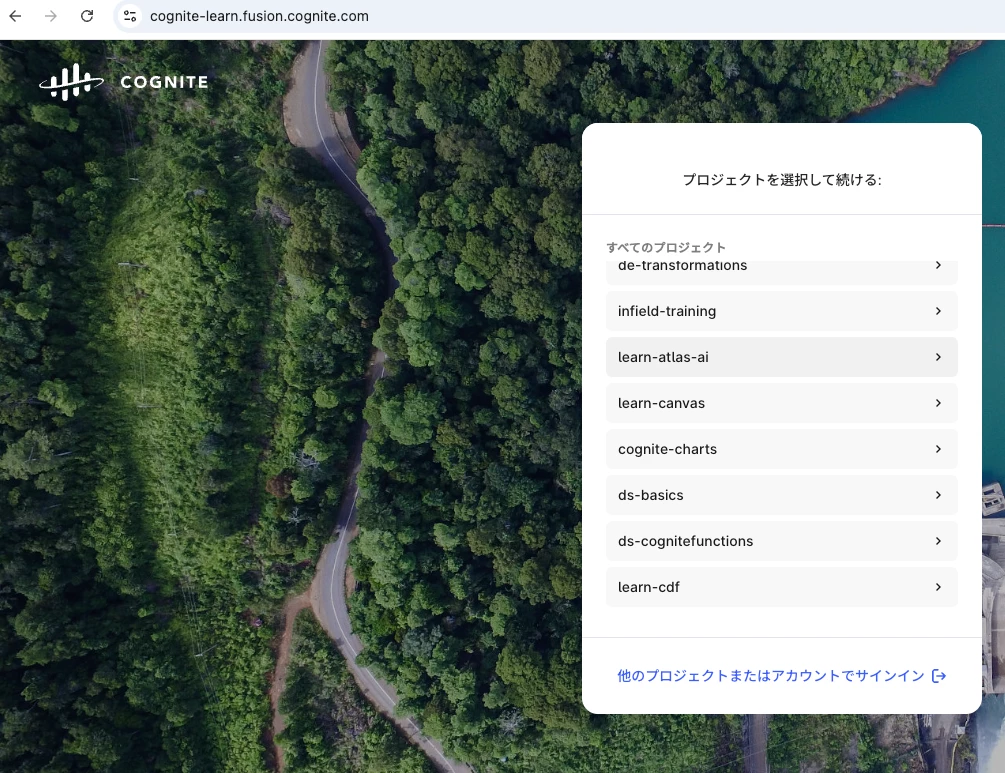
However, I could not find a "learn" project in “cognite-learn” organization.
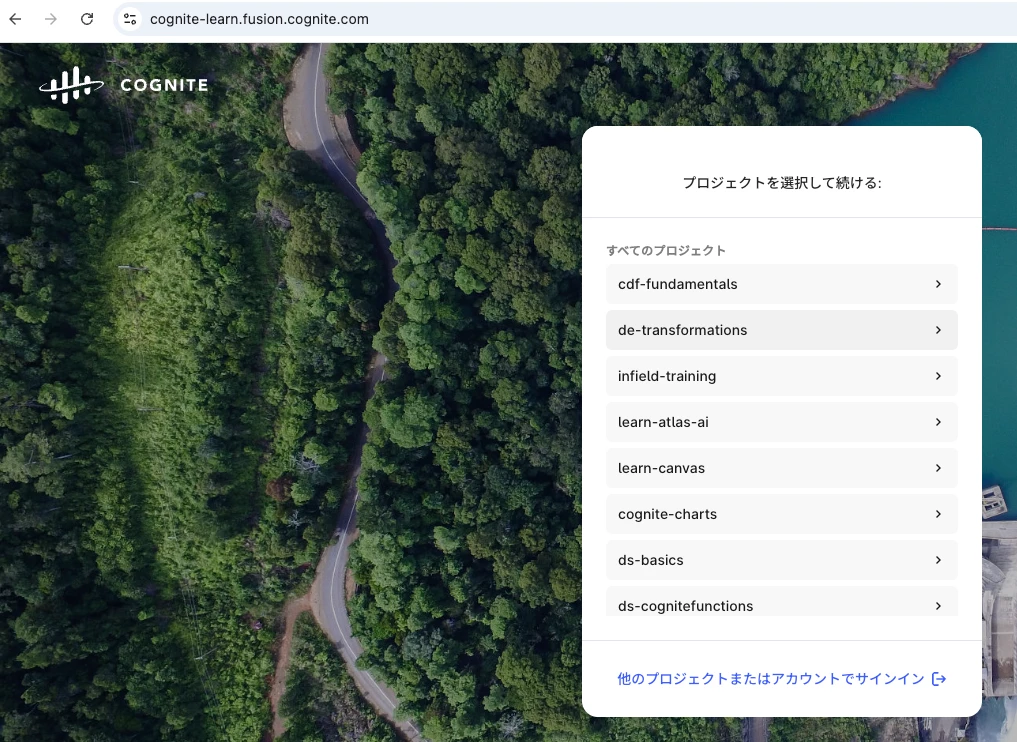


So, Instead of “learn” project, I entered "learn-cdf" project according to this comment.
However, the notebook code outputs the following errors. How should I do it?

---------------------------------------------------------------------------
CogniteAPIError Traceback (most recent call last)
Cell In[5], line 38
34 client = CogniteClient(cnf)
35
36 workflows = client.workflows
37
---> 38 workflows.list()

File ~/.pyenv/versions/3.11.12/lib/python3.11/site-packages/cognite/client/_sync_api/workflows/__init__.py:177, in SyncWorkflowAPI.list(self, limit)
158 def list(self, limit: int | None = DEFAULT_LIMIT_READ) -> WorkflowList:
159 """
160 `List workflows in the project <https://api-docs.cognite.com/20230101/tag/Workflows/operation/FetchAllWorkflows>`_.
161
(...) 175 >>> res = client.workflows.list(limit=None)
176 """
--> 177 return run_sync(self.__async_client.workflows.list(limit=limit))

File ~/.pyenv/versions/3.11.12/lib/python3.11/site-packages/cognite/client/utils/_async_helpers.py:43, in run_sync(coro)
40 from cognite.client.utils._concurrency import _get_event_loop_executor
42 executor = _get_event_loop_executor()
---> 43 return executor.run_coro(coro)

File ~/.pyenv/versions/3.11.12/lib/python3.11/site-packages/cognite/client/utils/_concurrency.py:716, in EventLoopThreadExecutor.run_coro(self, coro, timeout)
715 def run_coro(self, coro: Coroutine[Any, Any, _T], timeout: float | None = None) -> _T:
...
151 cluster=cluster,
152 project=project,
153 ) from None

CogniteAPIError: Missing capability: WorkflowOrchestration:READ. | code: 403 | X-Request-ID: 54fe2fc7-0084-95ec-8b00-a52c69587deb | cluster: westeurope-1 | project: learn-cdf
Output is truncated. View as a scrollable element or open in a text editor. Adjust cell output settings...


 

10 replies

Michael Bennett
Expert ⭐️⭐️⭐️⭐️
Forum|alt.badge.img+8
  • Expert ⭐️⭐️⭐️⭐️
  • July 16, 2026

Konnichiwa Masaki,


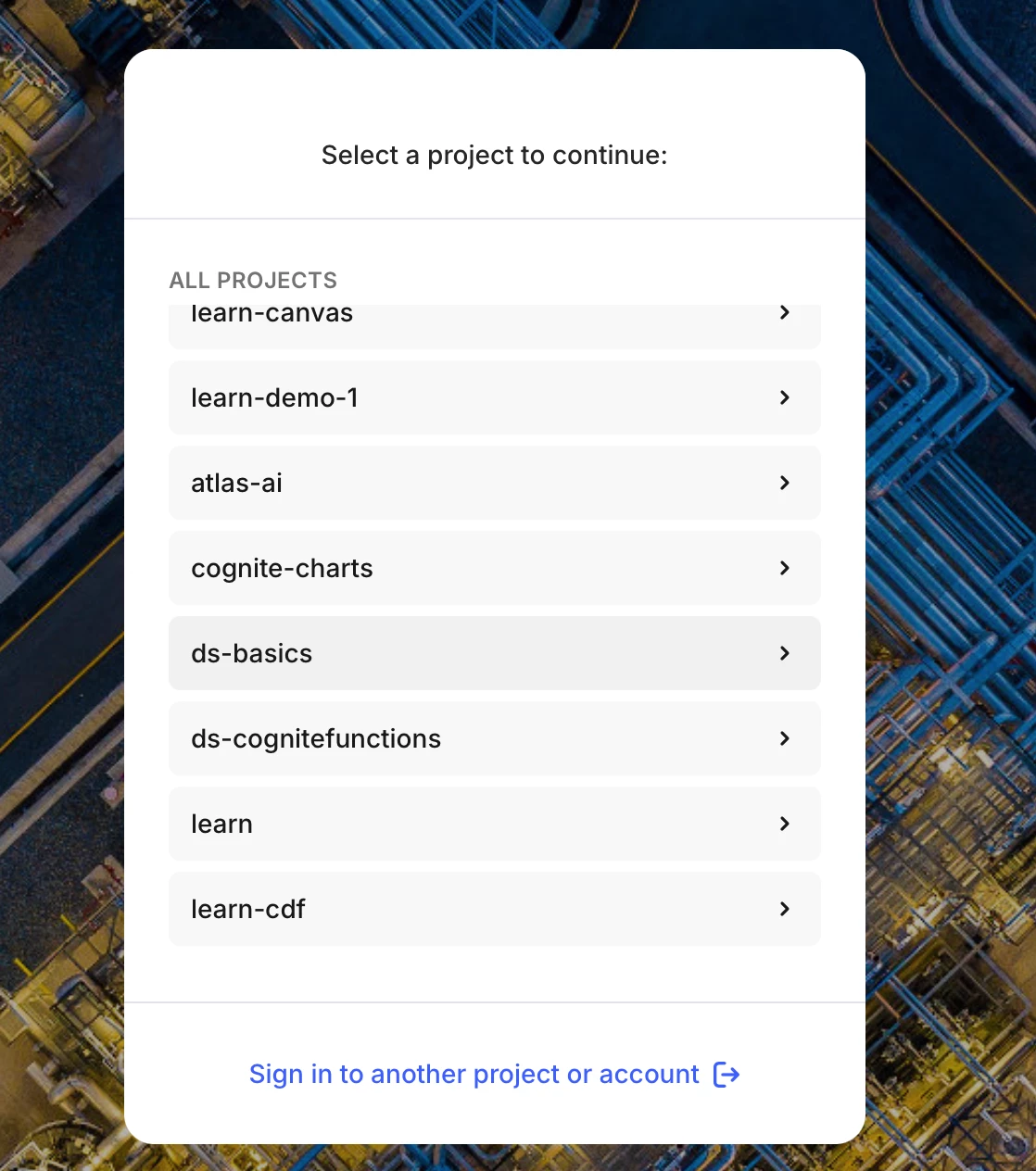
Thanks for reaching out. If you sign into the cognite-learn organization, you will find the learn project near the bottom of the project list. Whenthat project is selected, you will have permissions to workflows. 


Regards,

Michael Bennett

Academy Engineer


Masaki Takeuchi
Practitioner ⭐️⭐️⭐️
Forum|alt.badge.img+1
  • Author
  • Practitioner ⭐️⭐️⭐️
  • July 17, 2026

Hi, Michael Bennett

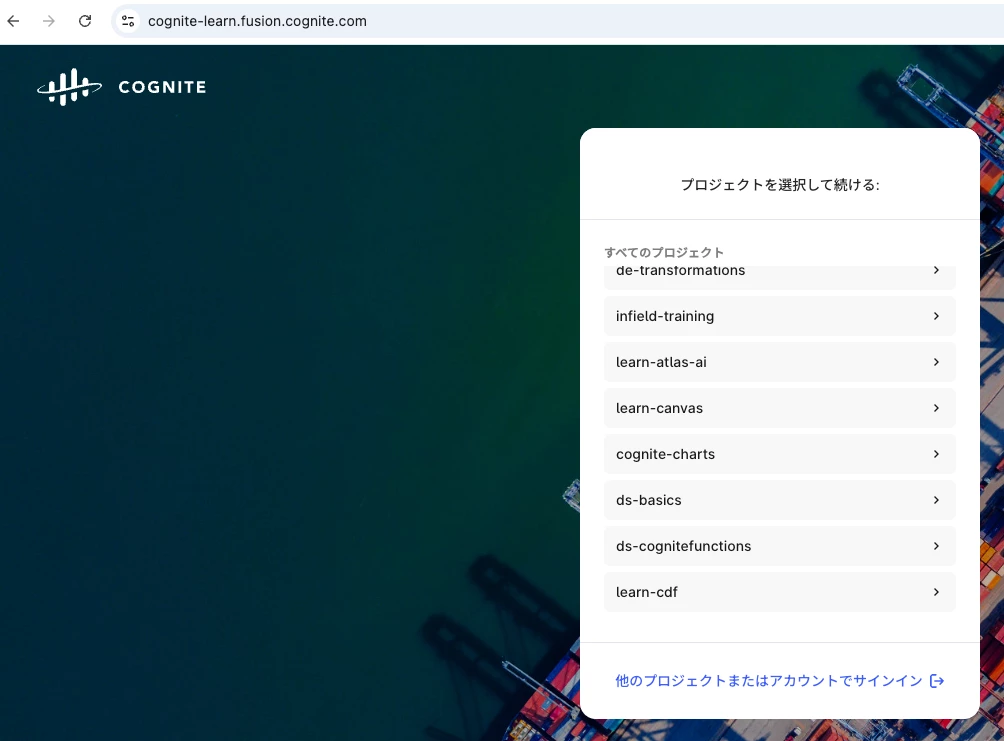
I cannot find the learn project near the bottom of the project list. 

 
I ask you to confirm whether the learn project is visible.

Best Regards,
Masaki


Michael Bennett
Expert ⭐️⭐️⭐️⭐️
Forum|alt.badge.img+8
  • Expert ⭐️⭐️⭐️⭐️
  • July 17, 2026

Hi Masaki,

Let’s try to open your developer tools on your browser


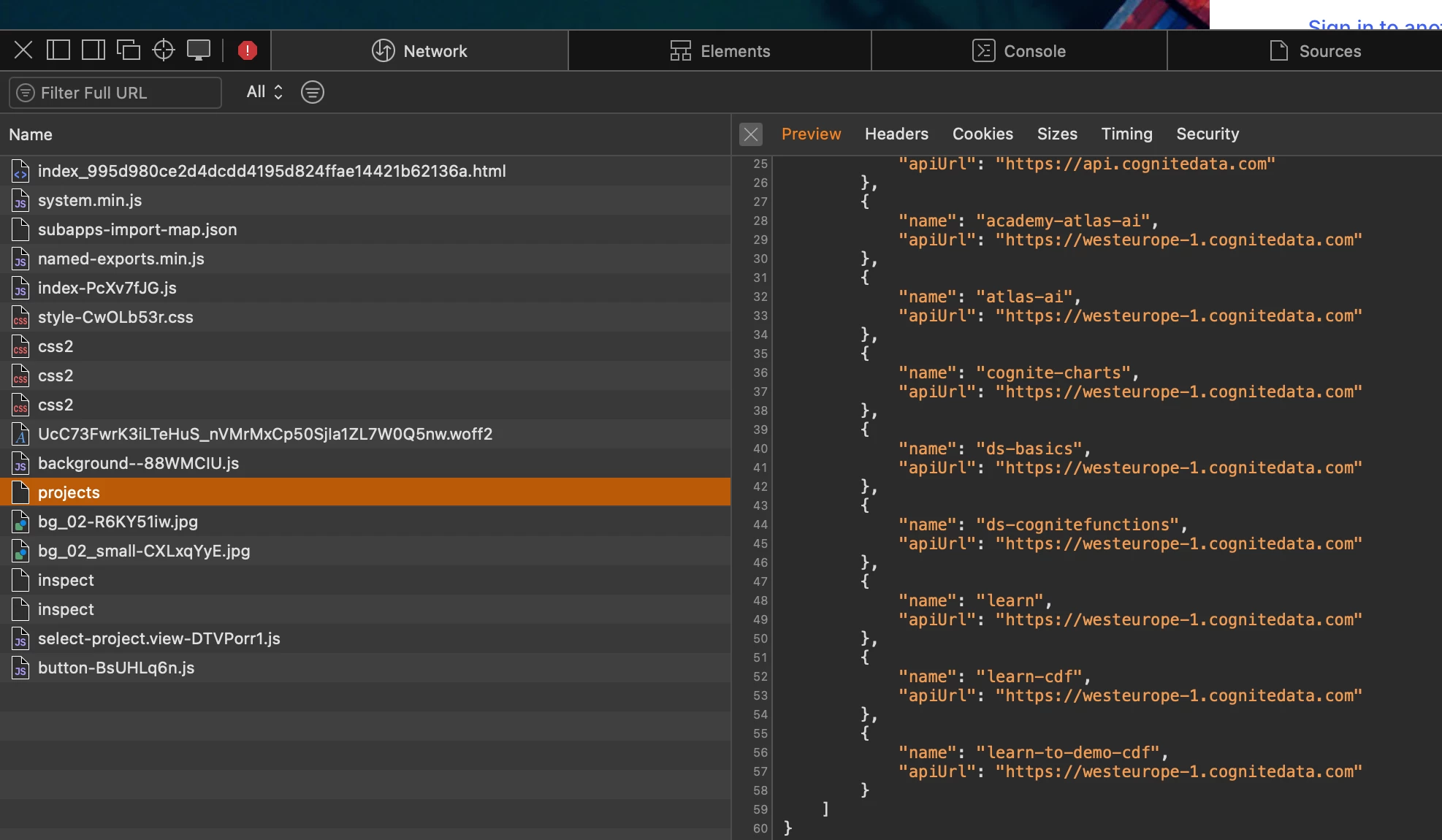
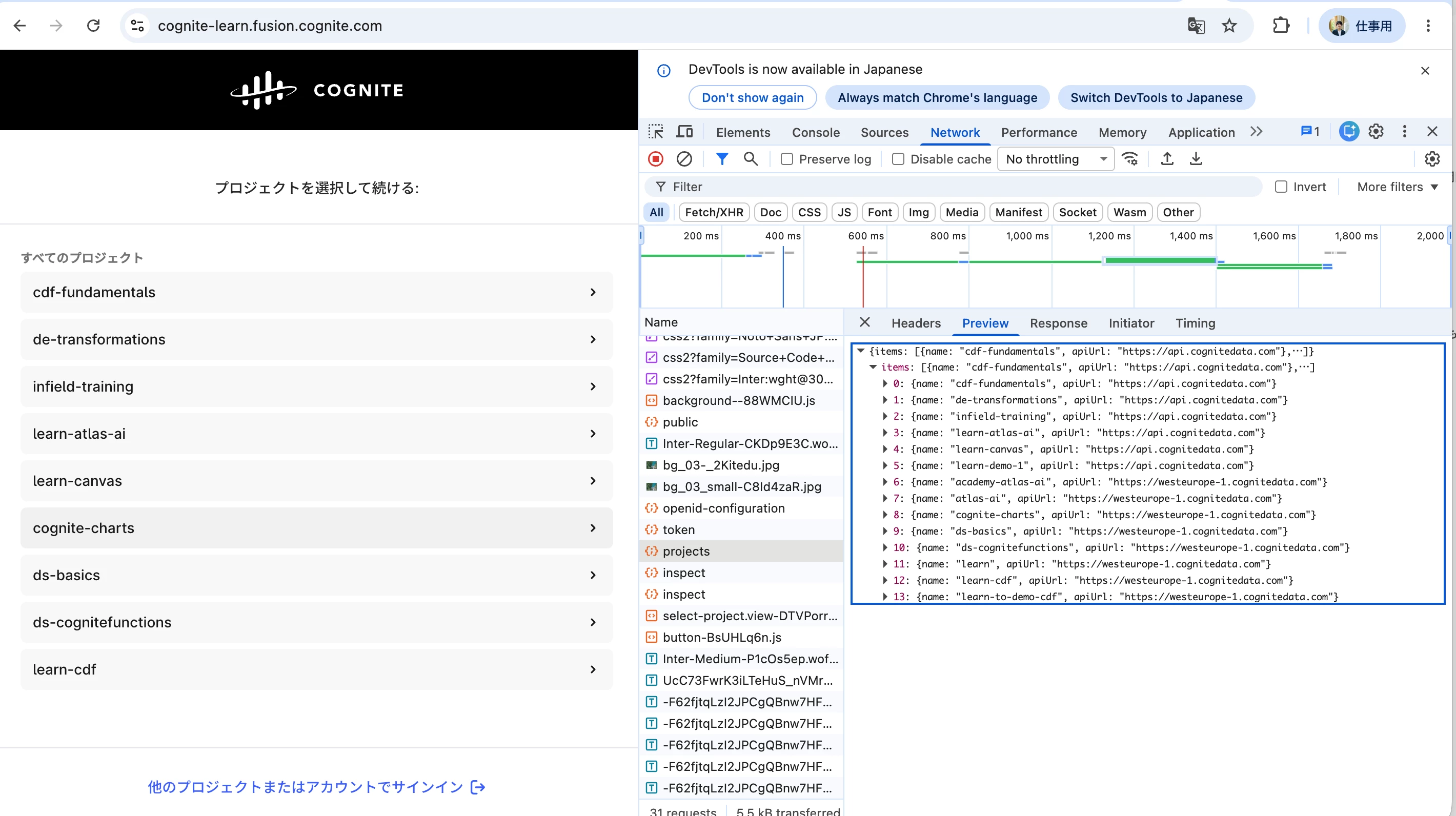
Log in to cognite-learn organization. Make sure you are watching the developer tools and look for “projects” this will show you everything the browser should see. 


Masaki Takeuchi
Practitioner ⭐️⭐️⭐️
Forum|alt.badge.img+1
  • Author
  • Practitioner ⭐️⭐️⭐️
  • July 17, 2026

I could see “learn” project in the developer tools, but I cannot see “learn” project in normal screen.


APSHANKAR Sagar
Seasoned ⭐️⭐️

Maybe try using a different browser?


Masaki Takeuchi
Practitioner ⭐️⭐️⭐️
Forum|alt.badge.img+1
  • Author
  • Practitioner ⭐️⭐️⭐️
  • July 17, 2026

I tried different browser, but the “learn” project did not appear.


Michael Bennett
Expert ⭐️⭐️⭐️⭐️
Forum|alt.badge.img+8
  • Expert ⭐️⭐️⭐️⭐️
  • July 17, 2026

@Masaki Takeuchi You may want to try either an incognito window, and disabling all extensions on your browser to see it this helps as well. 


Geraldo Souza
Active ⭐️⭐️⭐️
Forum|alt.badge.img+1
  • Active ⭐️⭐️⭐️
  • July 17, 2026

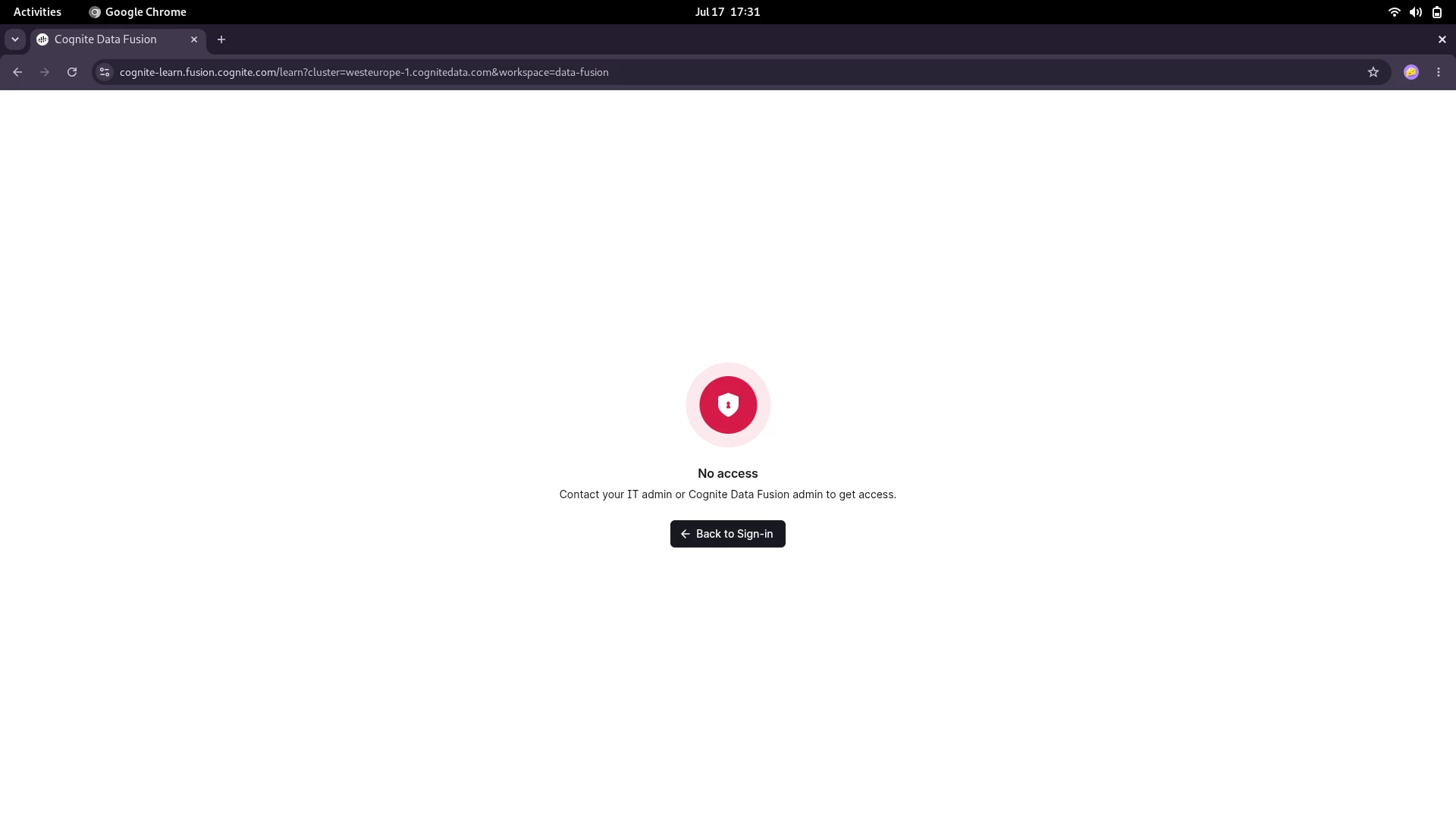
I’m facing the same problem. I went futher and tried to access the “learn” project directly by URL https://cognite-learn.fusion.cognite.com/learn?cluster=westeurope-1.cognitedata.com&workspace=data-fusion, then I got this Access Denied screen:


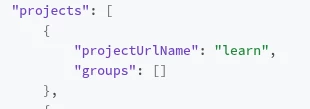
Taking a look into my access info, I figured out that “learn” project is indeed listed, but it doesn’t have a group attached. I believe that’s the problem reason.


Michael Bennett
Expert ⭐️⭐️⭐️⭐️
Forum|alt.badge.img+8
  • Expert ⭐️⭐️⭐️⭐️
  • July 17, 2026

Hi ​@Geraldo Souza I see two groups assigned to learn. If you run developer tools, can you see the url where your token is issued from? Your openid-configuration from developer tools would be helpful as well. 


I am authenticating through auth.cognite.com, so I’m curious if you’re getting routed to westeurope-1

Thanks


Geraldo Souza
Active ⭐️⭐️⭐️
Forum|alt.badge.img+1
  • Active ⭐️⭐️⭐️
  • July 20, 2026

Hi ​@Michael Bennett. The URL issuer of my Bearer token is https://auth.cognite.com