Check the
documentation
Check the
documentation Ask the
Community
Ask the
Community Take a look
at
Academy
Take a look
at
Academy Cognite
Status
Page
Cognite
Status
Page Contact
Cognite Support
Contact
Cognite Support



I am learning on Cognite Data Workflows Lab Academy Course
And, I tried to login CDF demo project following this manual
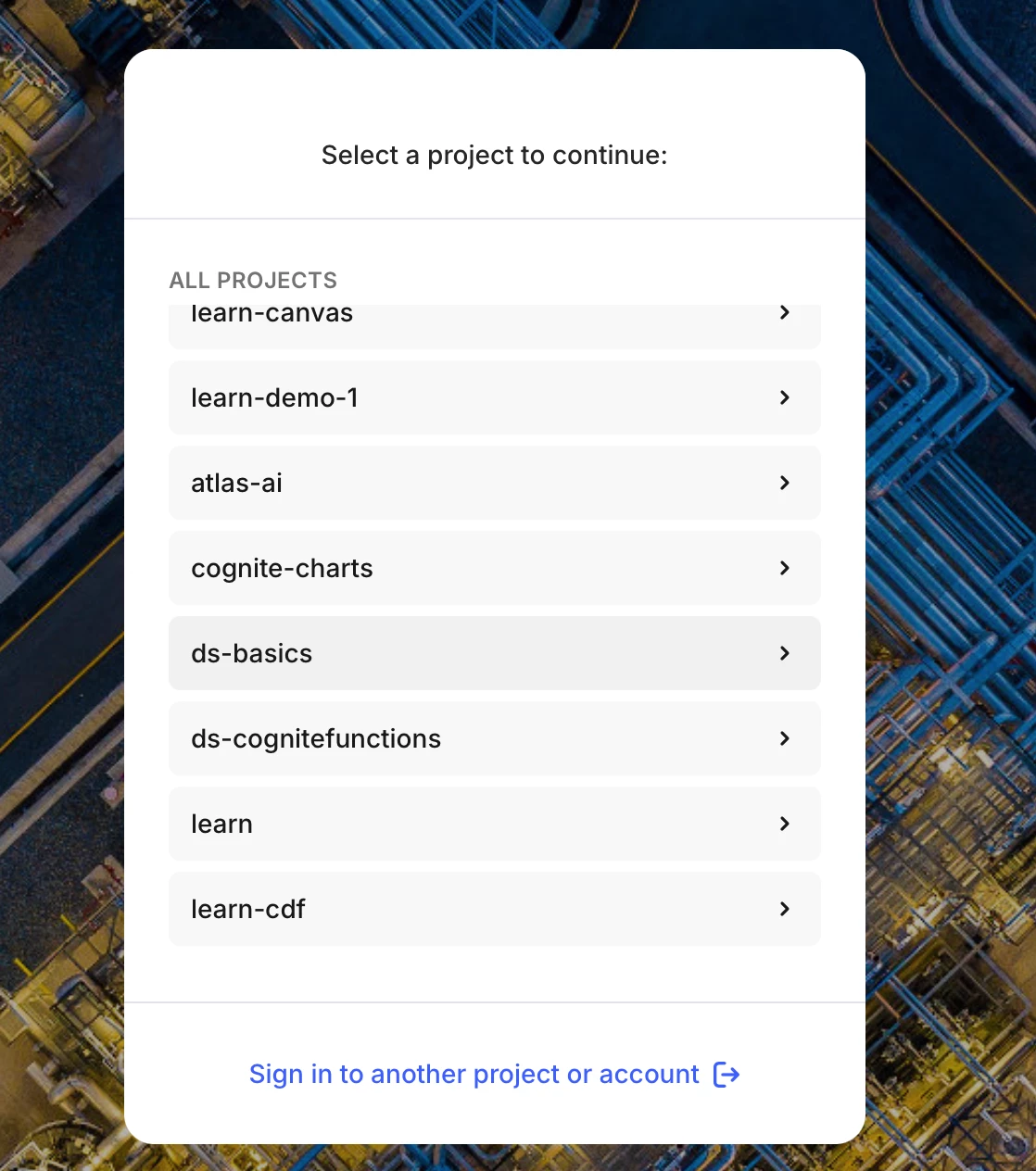
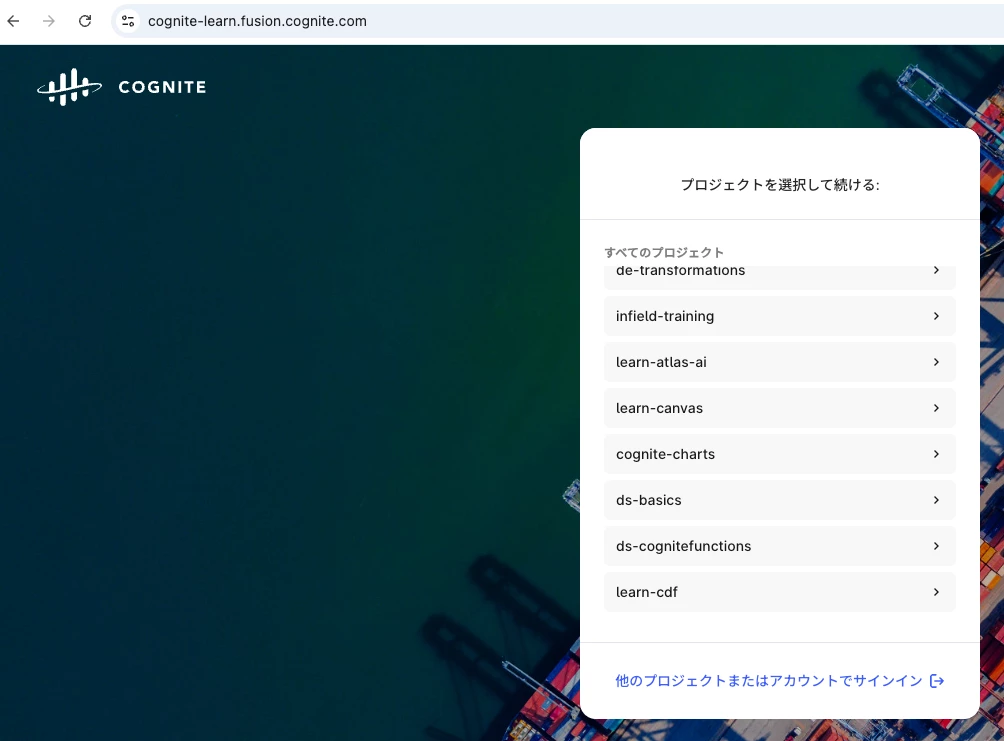
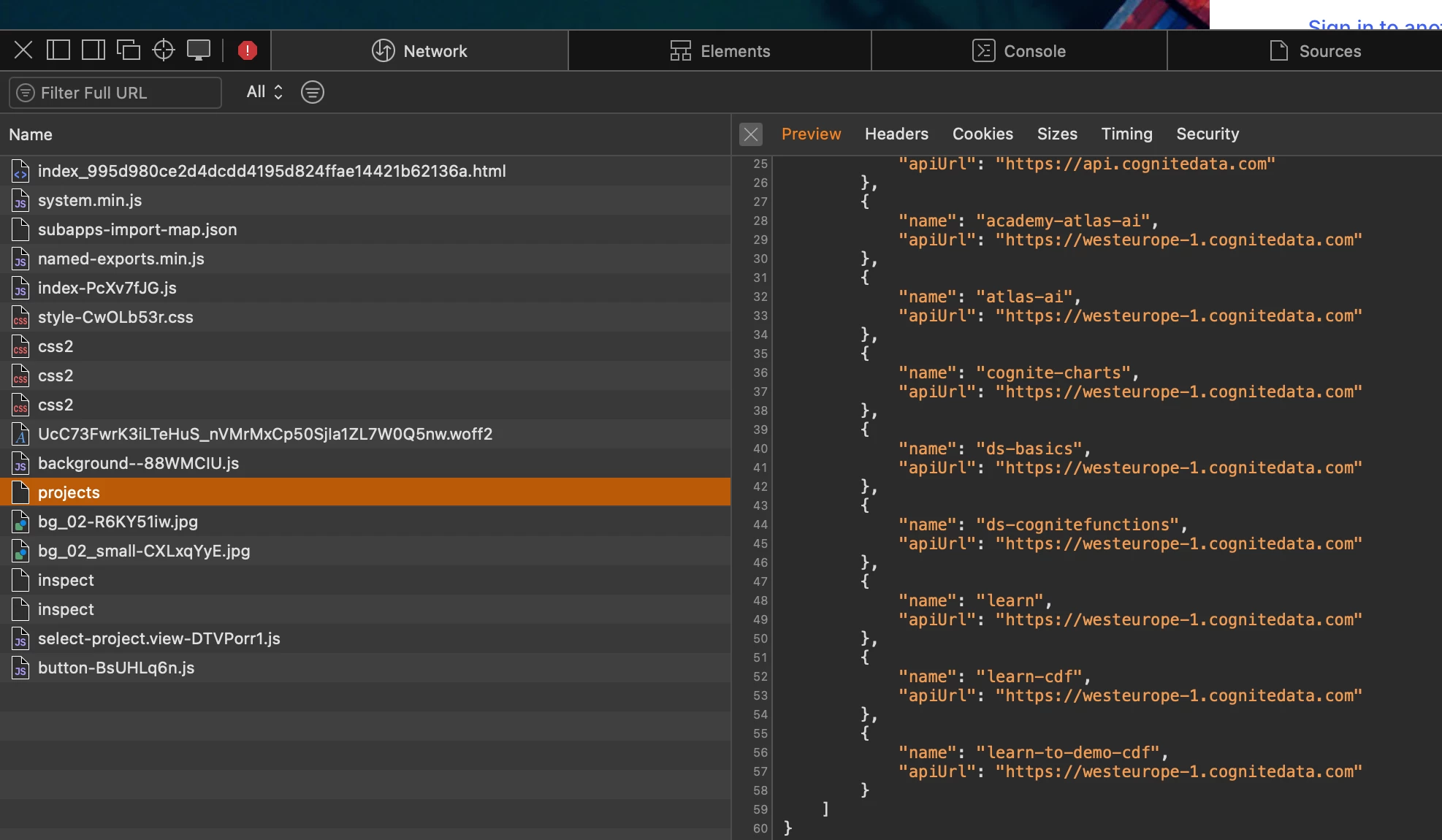
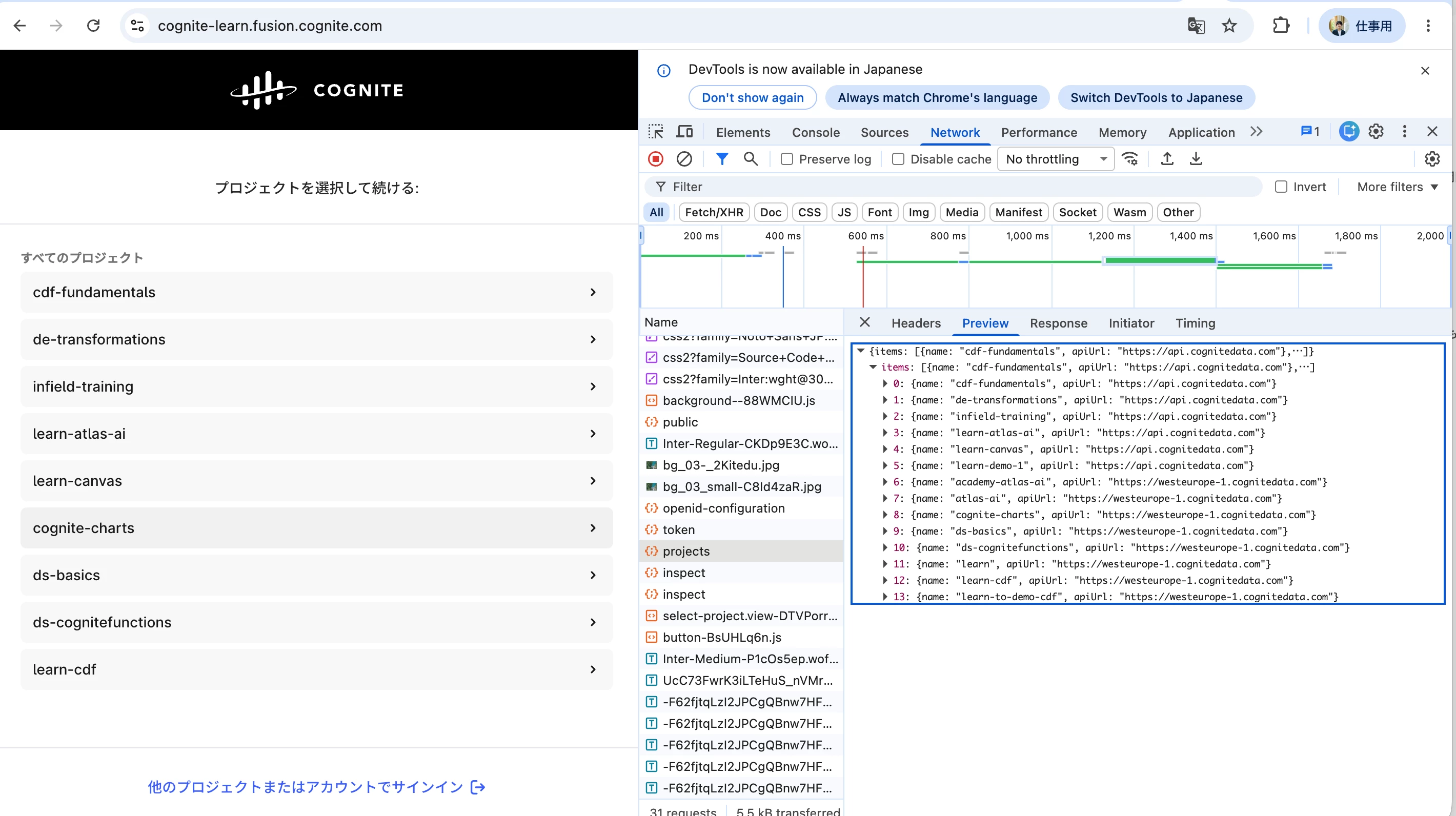
However, I could not find a "learn" project in “cognite-learn” organization.
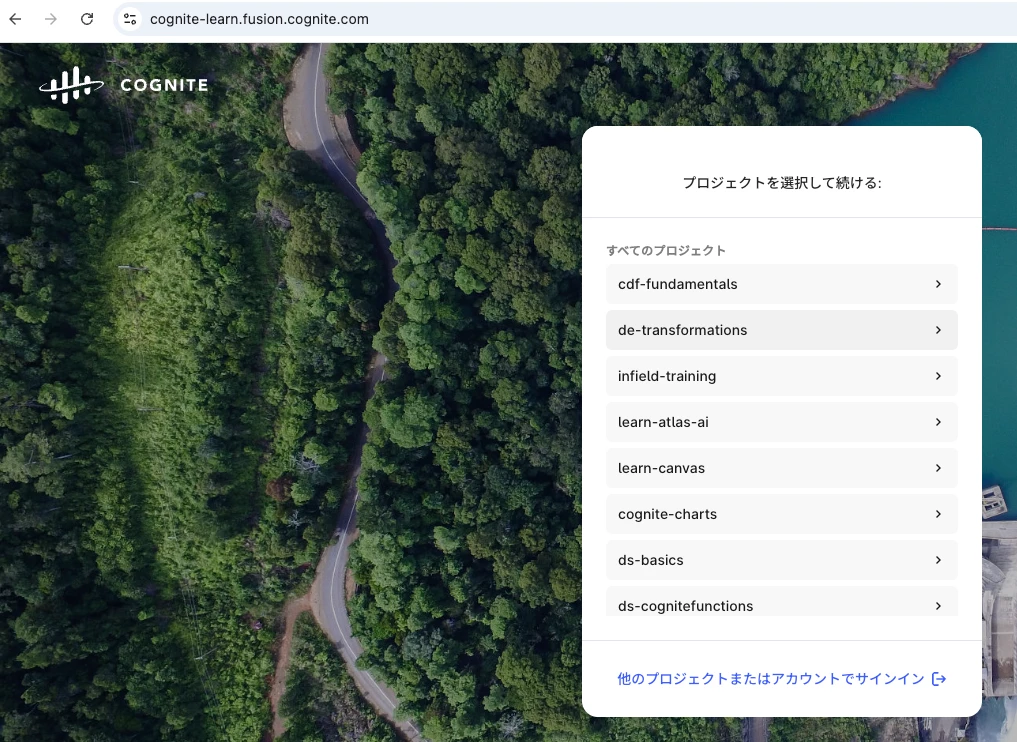
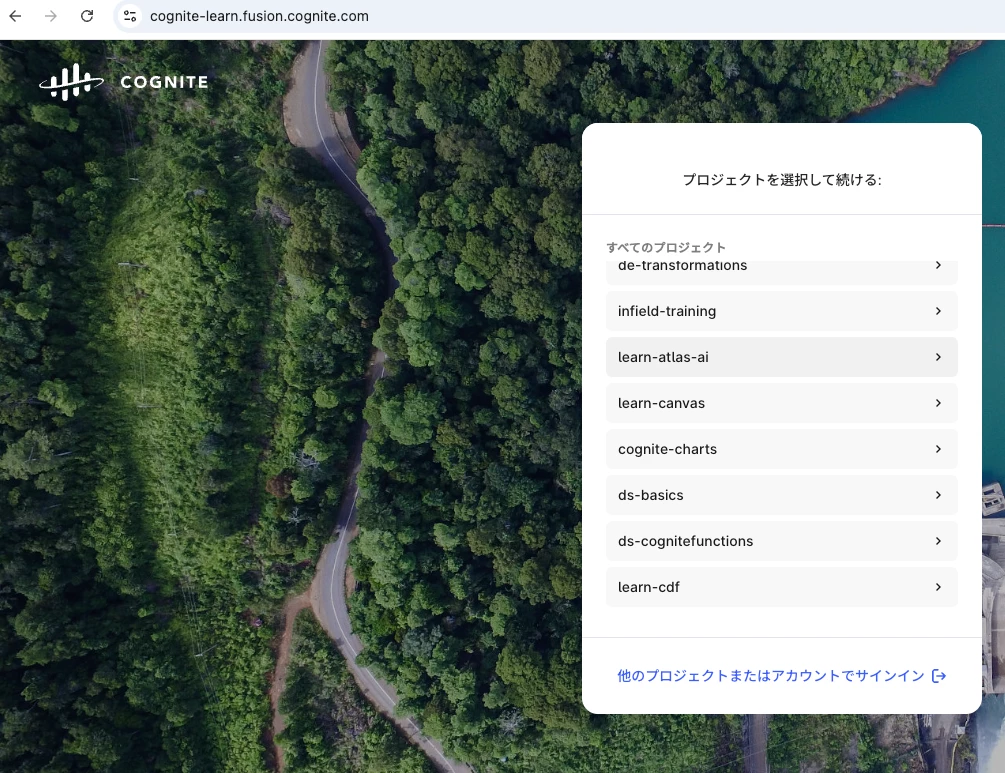
So, Instead of “learn” project, I entered "learn-cdf" project according to this comment.
However, the notebook code outputs the following errors. How should I do it?
---------------------------------------------------------------------------
CogniteAPIError                           Traceback (most recent call last)
Cell In[5], line 38
     34 client = CogniteClient(cnf)
     35
     36 workflows = client.workflows
     37
---> 38 workflows.list()

File ~/.pyenv/versions/3.11.12/lib/python3.11/site-packages/cognite/client/_sync_api/workflows/__init__.py:177, in SyncWorkflowAPI.list(self, limit)
    158 def list(self, limit: int | None = DEFAULT_LIMIT_READ) -> WorkflowList:
    159     """
    160     `List workflows in the project <https://api-docs.cognite.com/20230101/tag/Workflows/operation/FetchAllWorkflows>`_.
    161
   (...)    175             >>> res = client.workflows.list(limit=None)
    176     """
--> 177     return run_sync(self.__async_client.workflows.list(limit=limit))

File ~/.pyenv/versions/3.11.12/lib/python3.11/site-packages/cognite/client/utils/_async_helpers.py:43, in run_sync(coro)
     40 from cognite.client.utils._concurrency import _get_event_loop_executor
     42 executor = _get_event_loop_executor()
---> 43 return executor.run_coro(coro)

File ~/.pyenv/versions/3.11.12/lib/python3.11/site-packages/cognite/client/utils/_concurrency.py:716, in EventLoopThreadExecutor.run_coro(self, coro, timeout)
    715 def run_coro(self, coro: Coroutine[Any, Any, _T], timeout: float | None = None) -> _T:
...
    151         cluster=cluster,
    152         project=project,
    153     ) from None

CogniteAPIError: Missing capability: WorkflowOrchestration:READ. | code: 403 | X-Request-ID: 54fe2fc7-0084-95ec-8b00-a52c69587deb | cluster: westeurope-1 | project: learn-cdf
Output is truncated. View as a scrollable element or open in a text editor. Adjust cell output settings...