Check the
documentation
Check the
documentation Ask the
Community
Ask the
Community Take a look
at
Academy
Take a look
at
Academy Cognite
Status
Page
Cognite
Status
Page Contact
Cognite Support
Contact
Cognite Support


How to sign up for Cognite Hub (Community and Academy)

Step-by-Step Guide: Sign Up for Cognite Hub
Whether you're a customer, partner, or external user, follow these steps to access Cognite Hub (Community & Academy). We recommend using your company email.
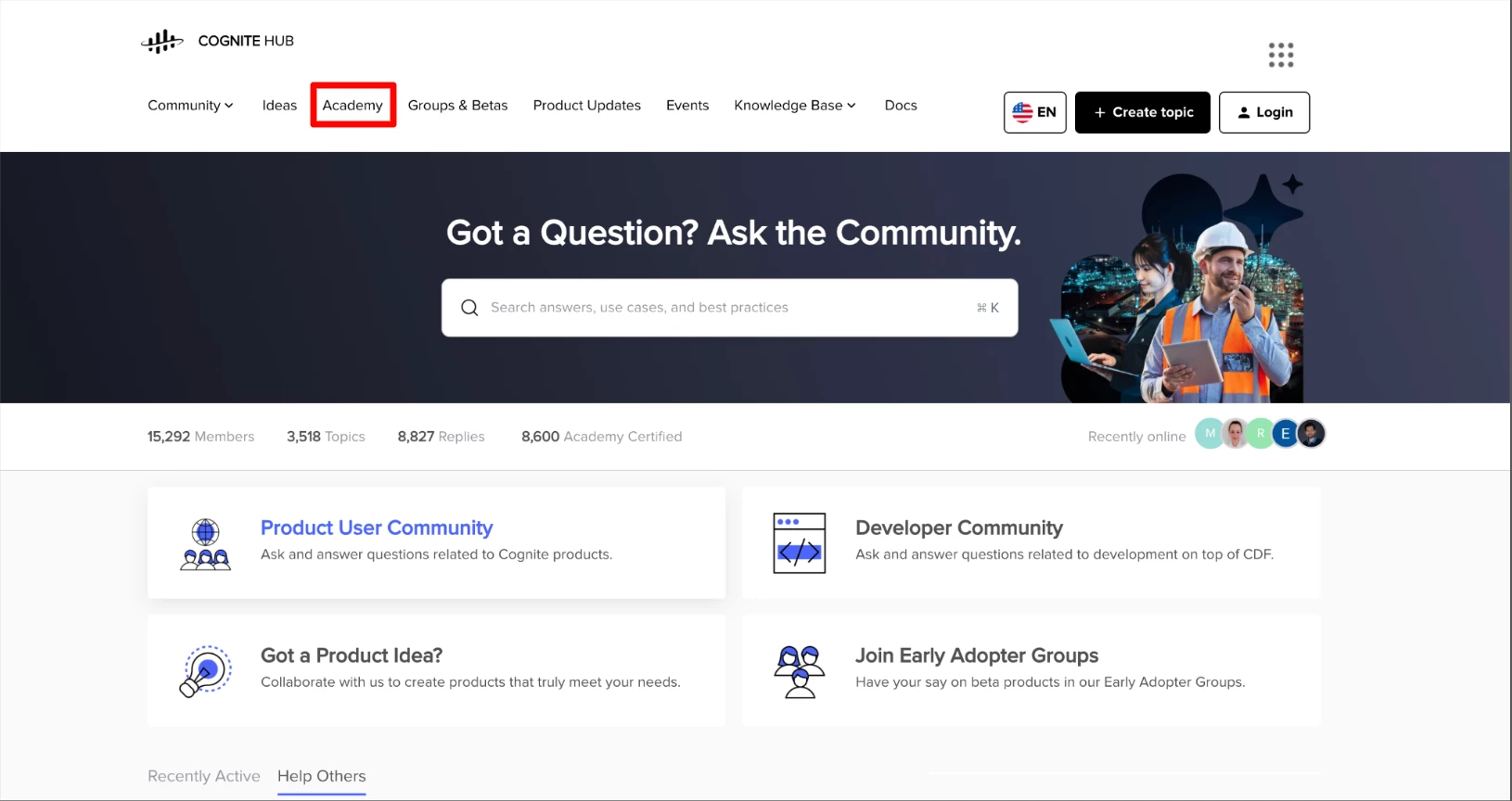
1. Navigate to https://hub.cognite.com/
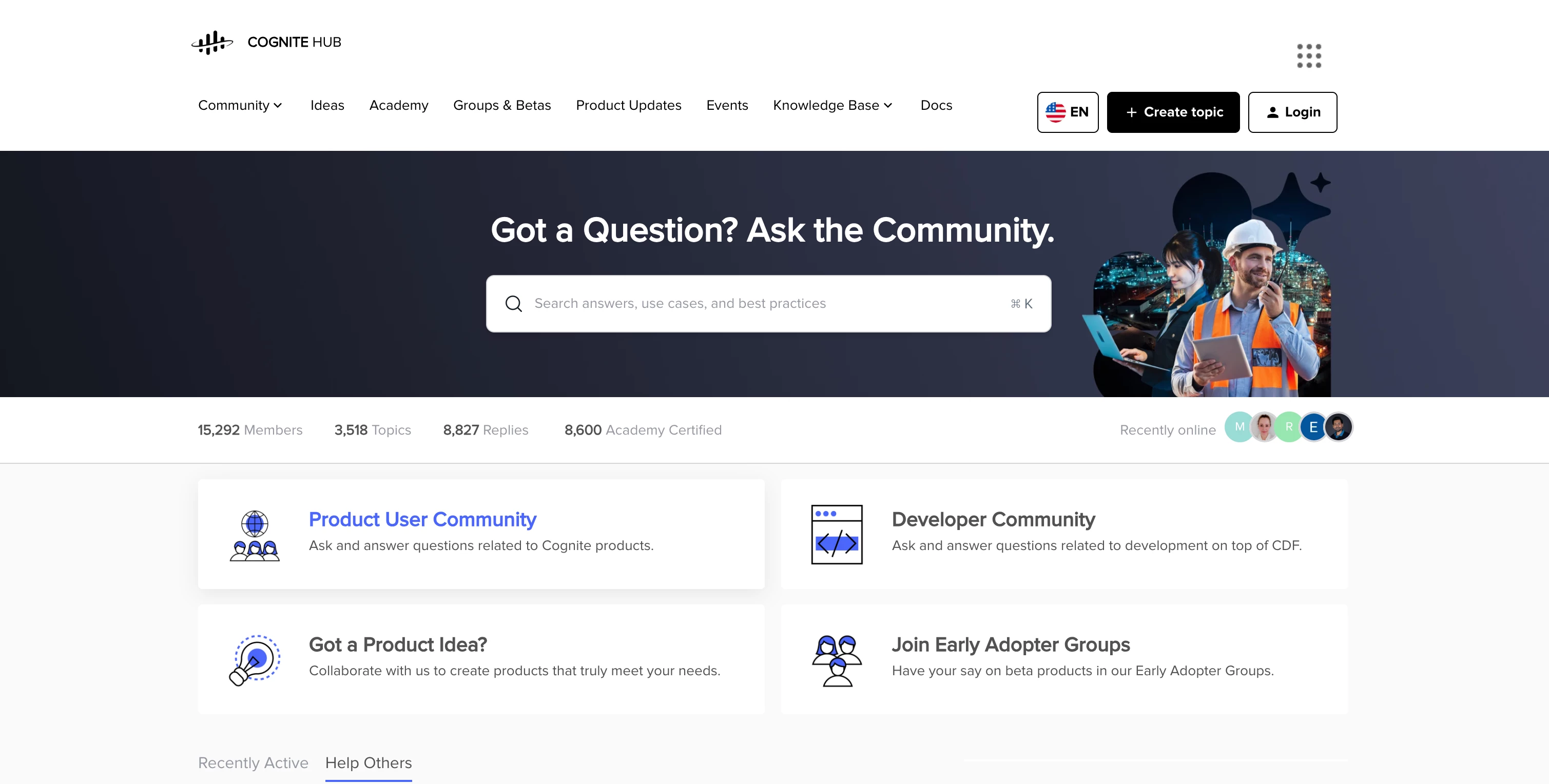
2. Click the Login Button in the Top Right Corner
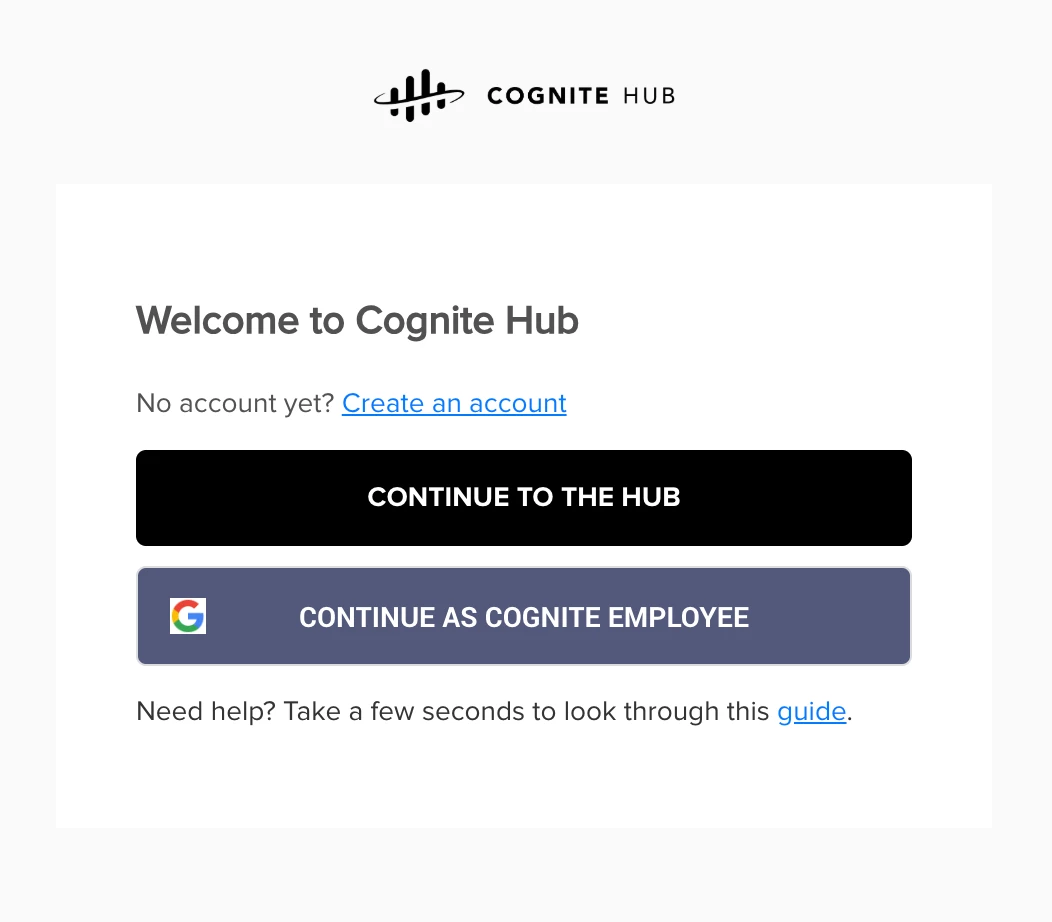
3. Select Your User Type
-
Cognite Employees: Click "Continue as Cognite Employee"
-
Customers & Partners: Click "Create an account" to register as a new user
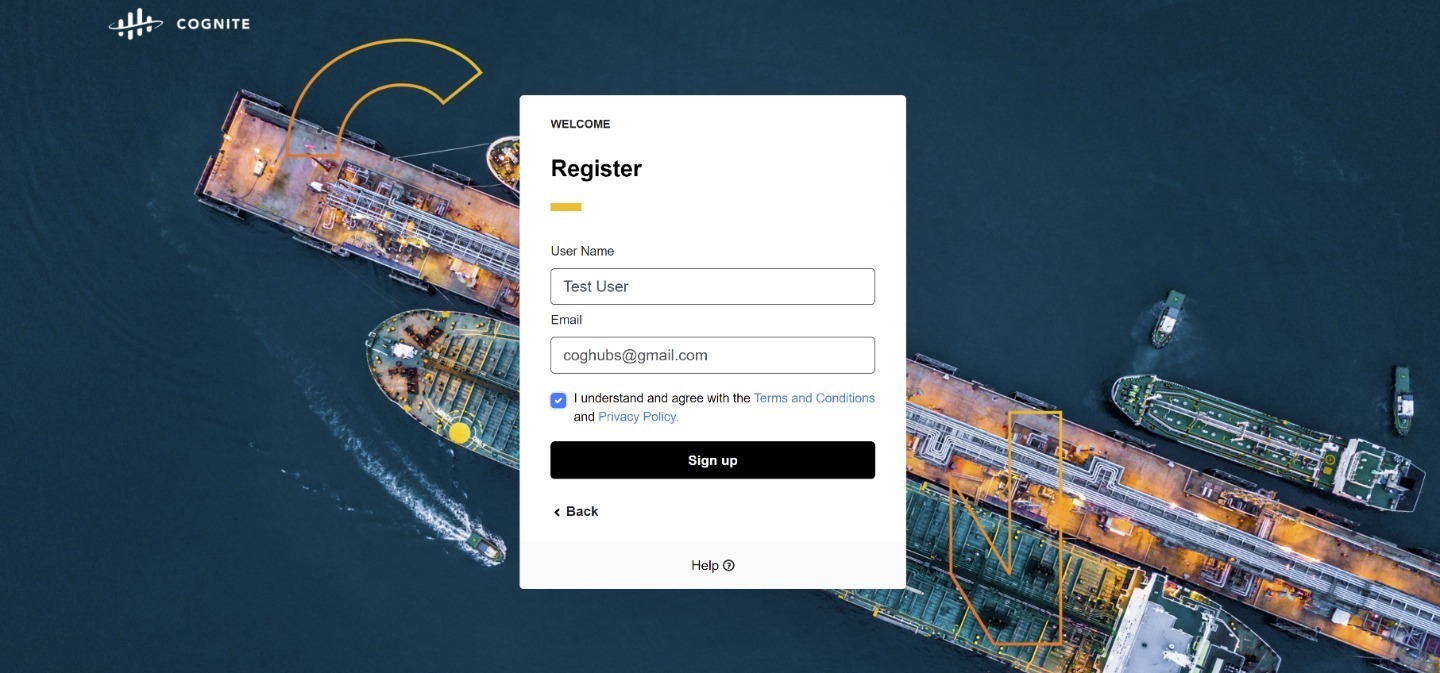
4. Enter your username (no special characters allowed) and email address
5. Click Sign Up
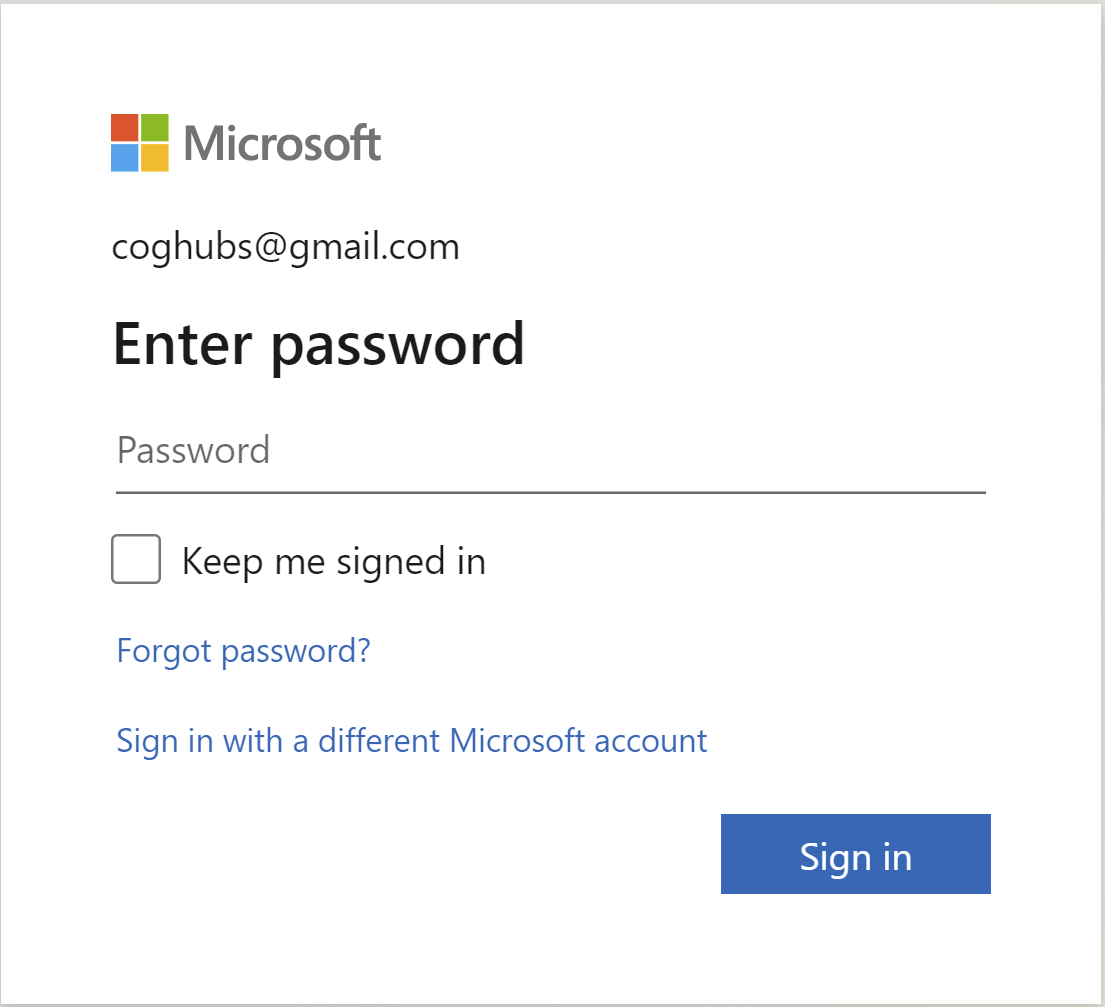
6. Enter Password
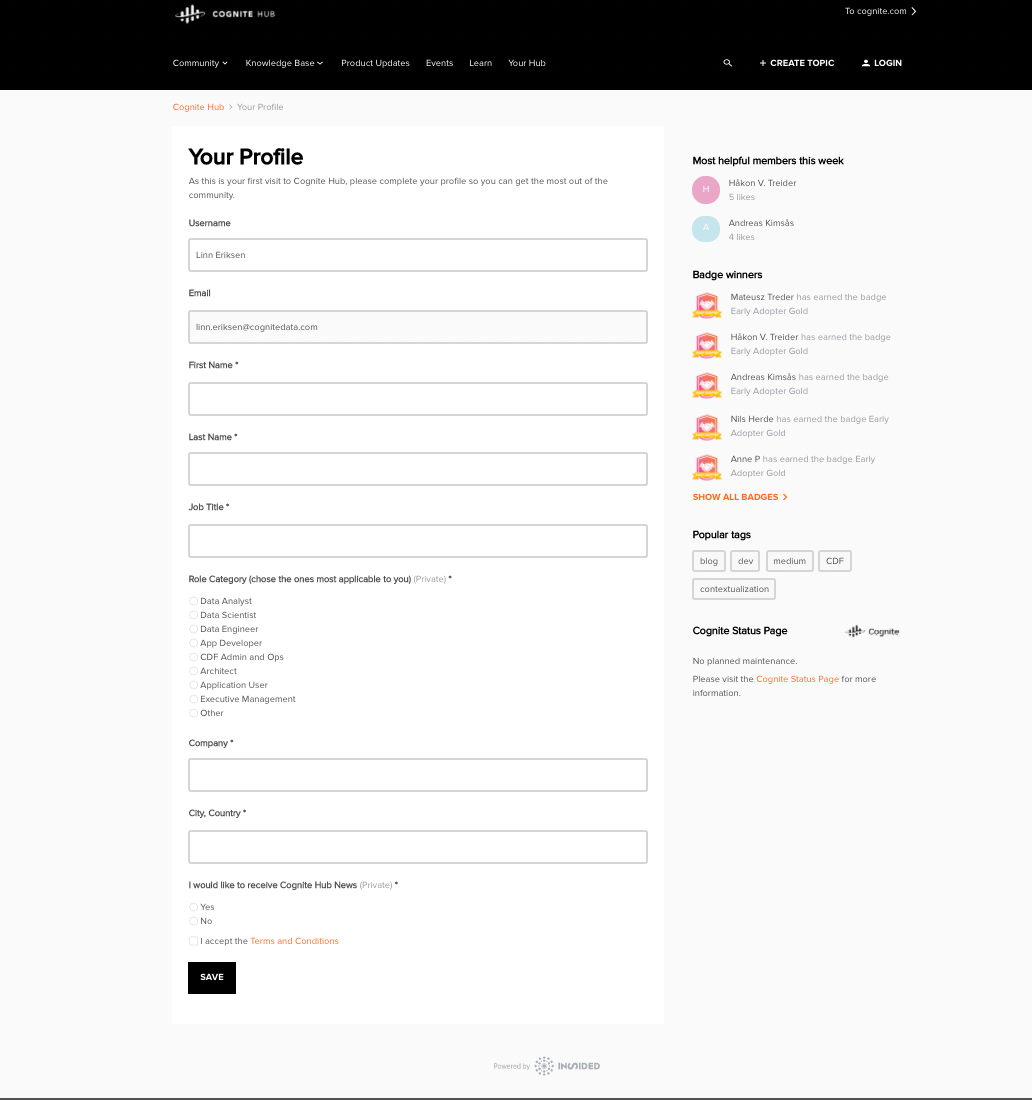
7. You will be redirected to your profile page. Fill in the required details and click Save. You are now ready to use Cognite Hub! 🎉
To access Cognite Academy, simply click on 'Academy'