

 Check the
documentation
Check the
documentation Ask the
Community
Ask the
Community Take a look
at
Academy
Take a look
at
Academy Cognite
Status
Page
Cognite
Status
Page Contact
Cognite Support
Contact
Cognite Support


News
New 3D Experience in Search
Hi everyone!
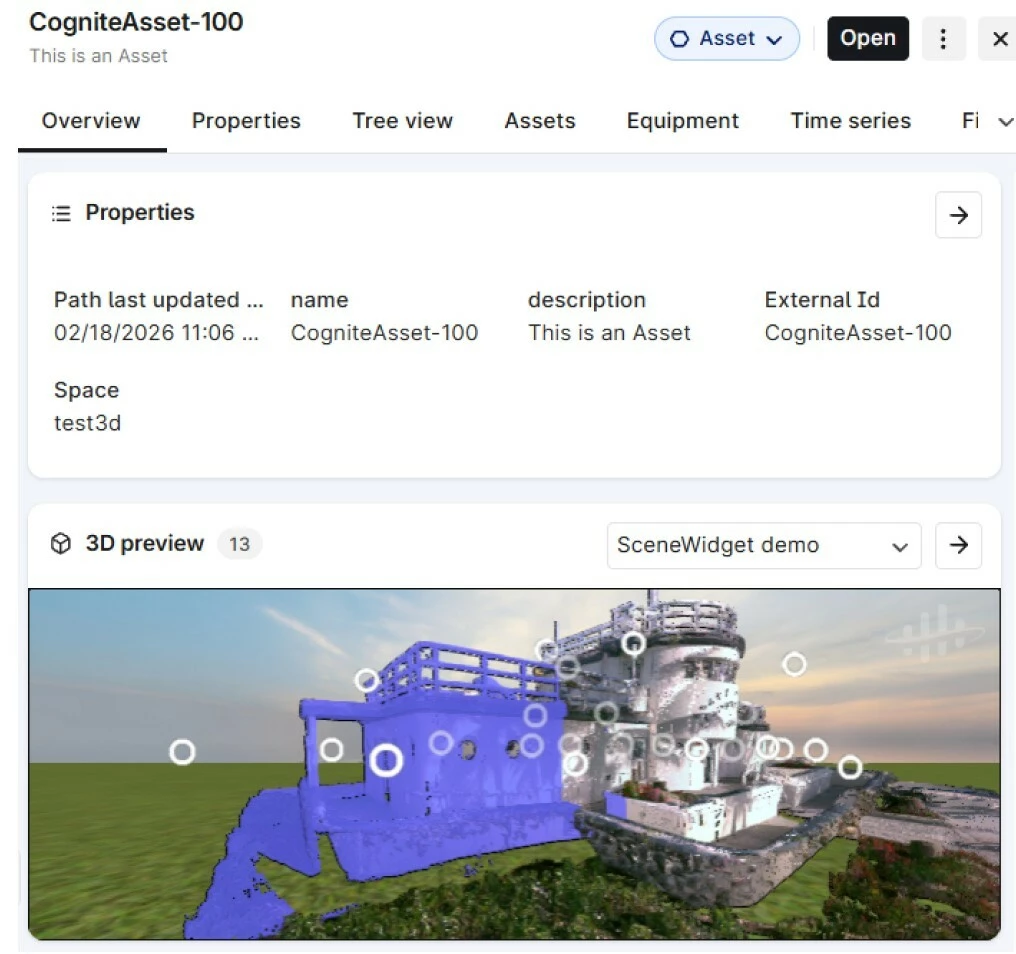
Finding an asset is one thing; understanding its surroundings is another. In the upcoming release on the 3rd of March, we’ve upgraded the 3D Experience in Search to give you instant spatial context without leaving your search results.
What’s New?
- In-Preview Scenes & 360-images: View 3D scenes and 360-degree images directly in the search preview pane.
- Seamless Transitions: Move from a search preview to the unified 3D world while staying immersed in your 360-degree view.
- Direct Access: Launch full Scenes immediately from the preview card.
⚡ Quick Start:
- Prepare - Ensure you are using Scenes for 3D and that they are connected to your Location
- Search for an asset or location in CDF.
- Preview the result to see the 3D scene load automatically.
- Explore by opening the unified 3D view for full immersion.
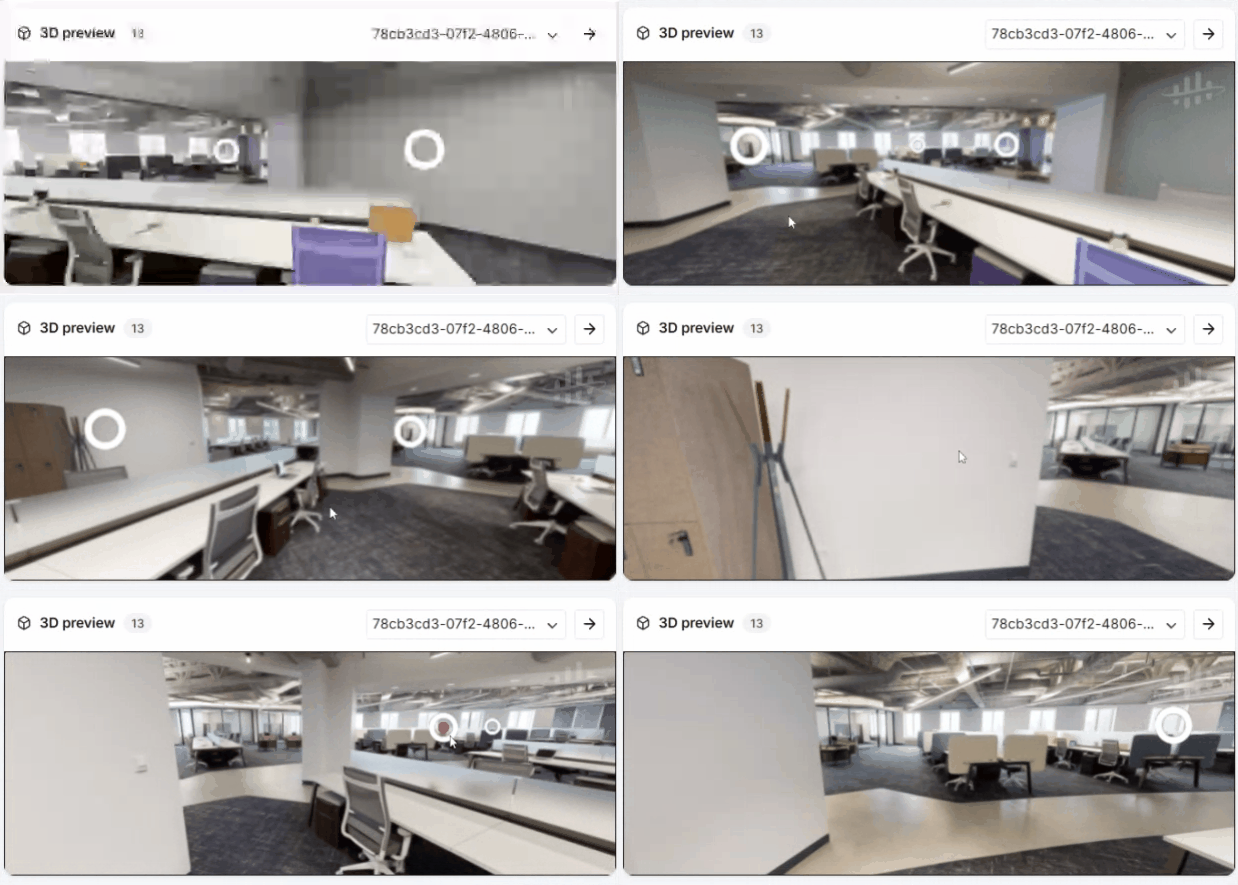
Pro Tip 💡: Opening the full 3D view from a 360 preview maintains your exact orientation—no more "re-finding" the asset once the viewer loads!
Full Guide: https://docs.cognite.com/cdf/explore/navigate_3d
Give it a spin and let us know what you think!
