Planned for development

Change Asset and Event type of data from image to text in Canvas

Related products:Industrial Canvas
  • April 15, 2025
  • 5 replies
  • 31 views

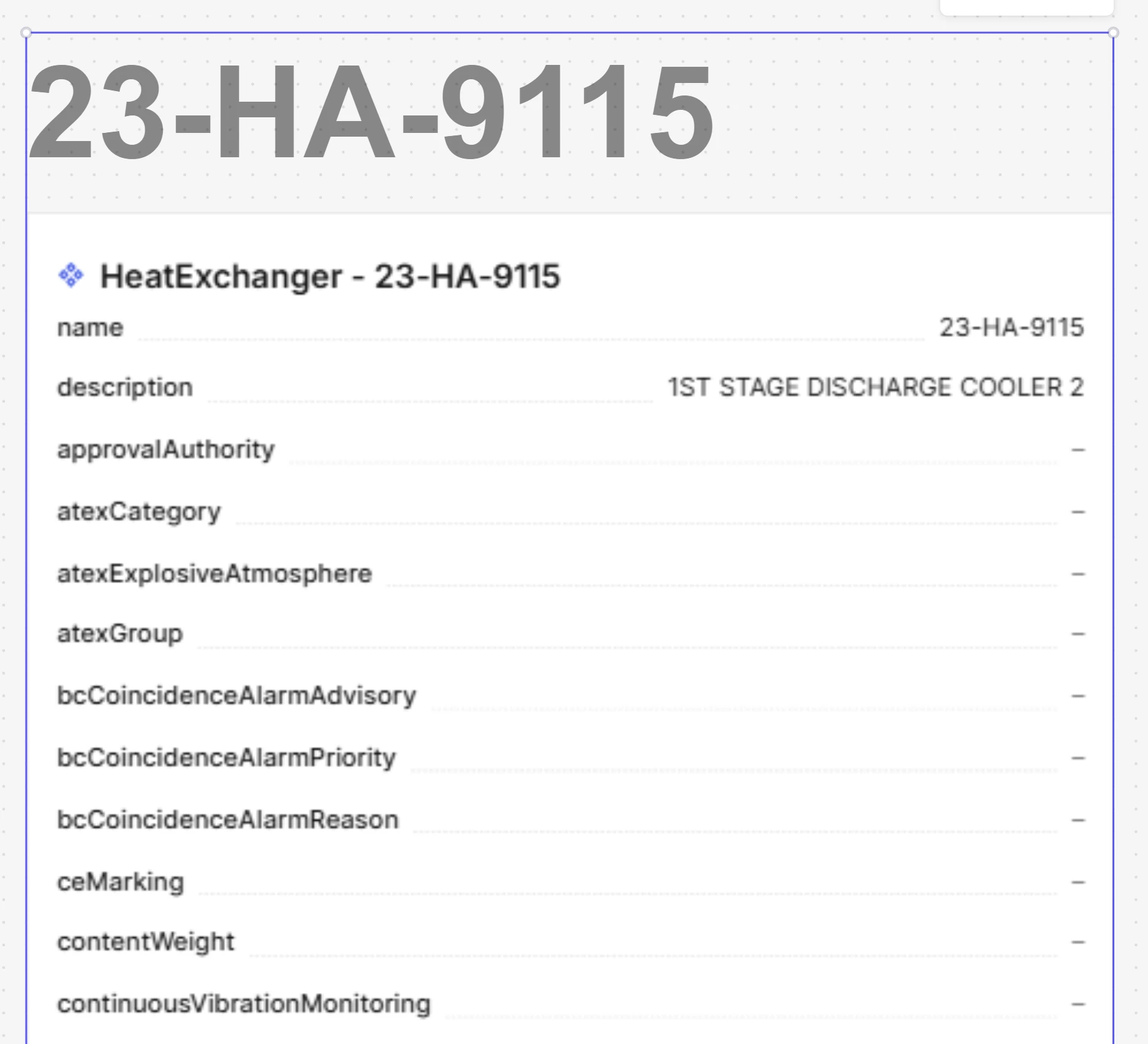
Today it seems that information like Assets and Events are included in Canvas as an image. It is not possible to copy the text. Also, if the amount of information is too large, the fixed resolution may be too low rendering the information so blurry it is impossible to read.

When using data modelling it is not a workaround to go to “Find related data” (to be able to copy the text), since the search popup do not show all the properties of the view

It would be helpful if the information was presented as text (allowing copy of the text) and not as an image


5 replies

Andreea Oprea
Seasoned Practitioner
Forum|alt.badge.img
  • Seasoned Practitioner
  • July 28, 2025

Hi ​@Gunnar Andreas,

Thank you for your feedback! Could you please share a video or a screenshot with this case that you mentioned? “Also, if the amount of information is too large, the fixed resolution may be too low rendering the information so blurry it is impossible to read.”

I’ve added your request to our roadmap.

Thank you,
Andreea. 


This is a screendump I made. I’m not sure I still have the data model allowing me to reproduce it


  • Author
  • Committed
  • August 19, 2025

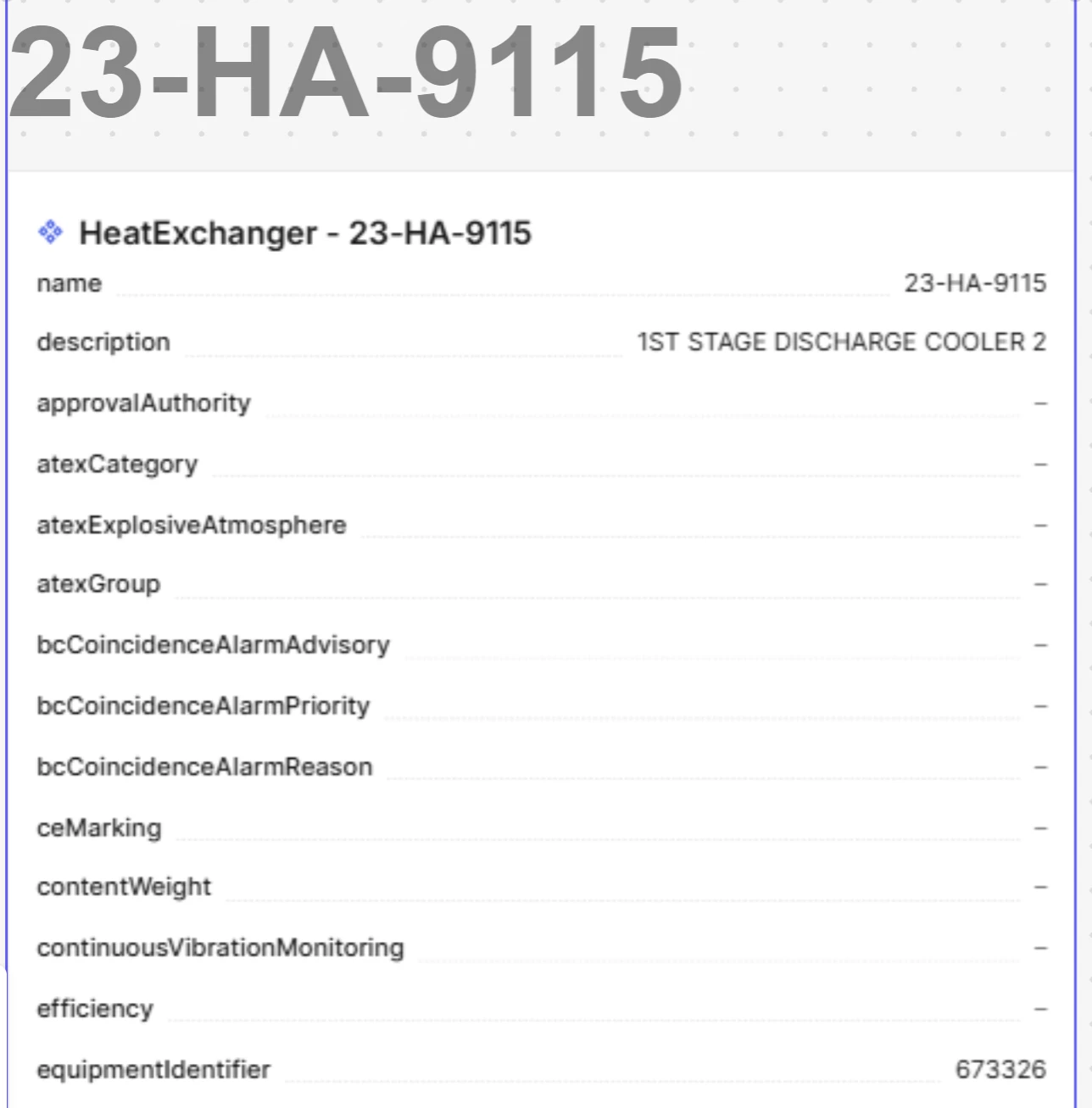
I managed to recreate the problem. This is a view containing 100 properties. The view is blurry, but still readable. If you further increase number of properties it becomes unreadable.

The data model used to create this screenshot is available to Cognite. If you need it to test yourself, reach out and I’ll provide the correct links 


  • Author
  • Committed
  • August 20, 2025

I did some further testing.

When I add the asset information into the Canvas, the resolution is poor.
If I select the view, nothing happens with the resolution
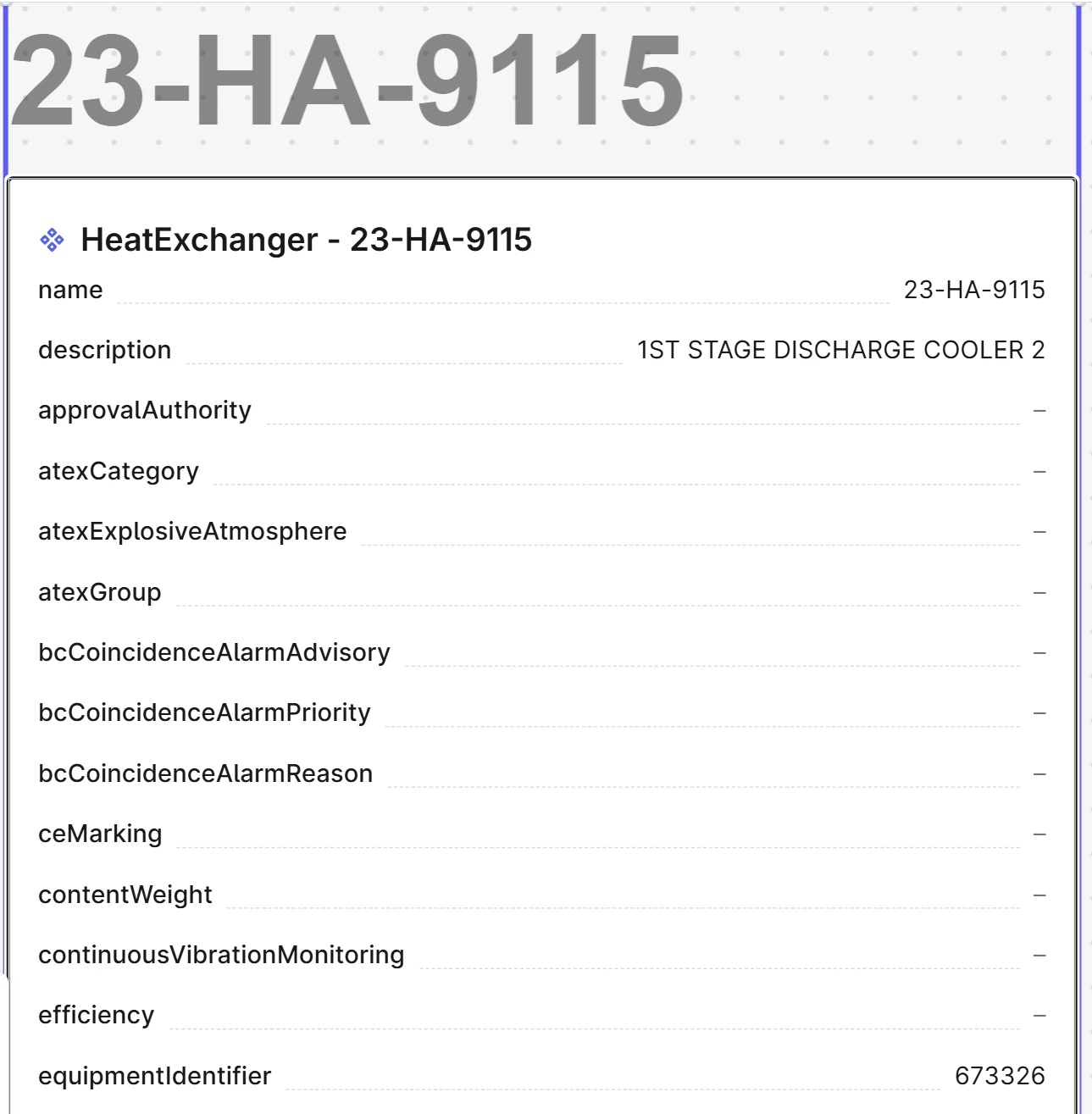
If I double click, the resolution improves
But if I then move it, or unselect it, the resolution is back to the original (too low) resolution

Only selected
 

Double clicked


Andreea Oprea
Seasoned Practitioner
Forum|alt.badge.img
  • Seasoned Practitioner
  • August 28, 2025

Thank you ​@Gunnar Andreas.

Will report the issue to the team and will take a look to better understand the issue.