Check the
documentation
Check the
documentation Ask the
Community
Ask the
Community Take a look
at
Academy
Take a look
at
Academy Cognite
Status
Page
Cognite
Status
Page Contact
Cognite Support
Contact
Cognite Support


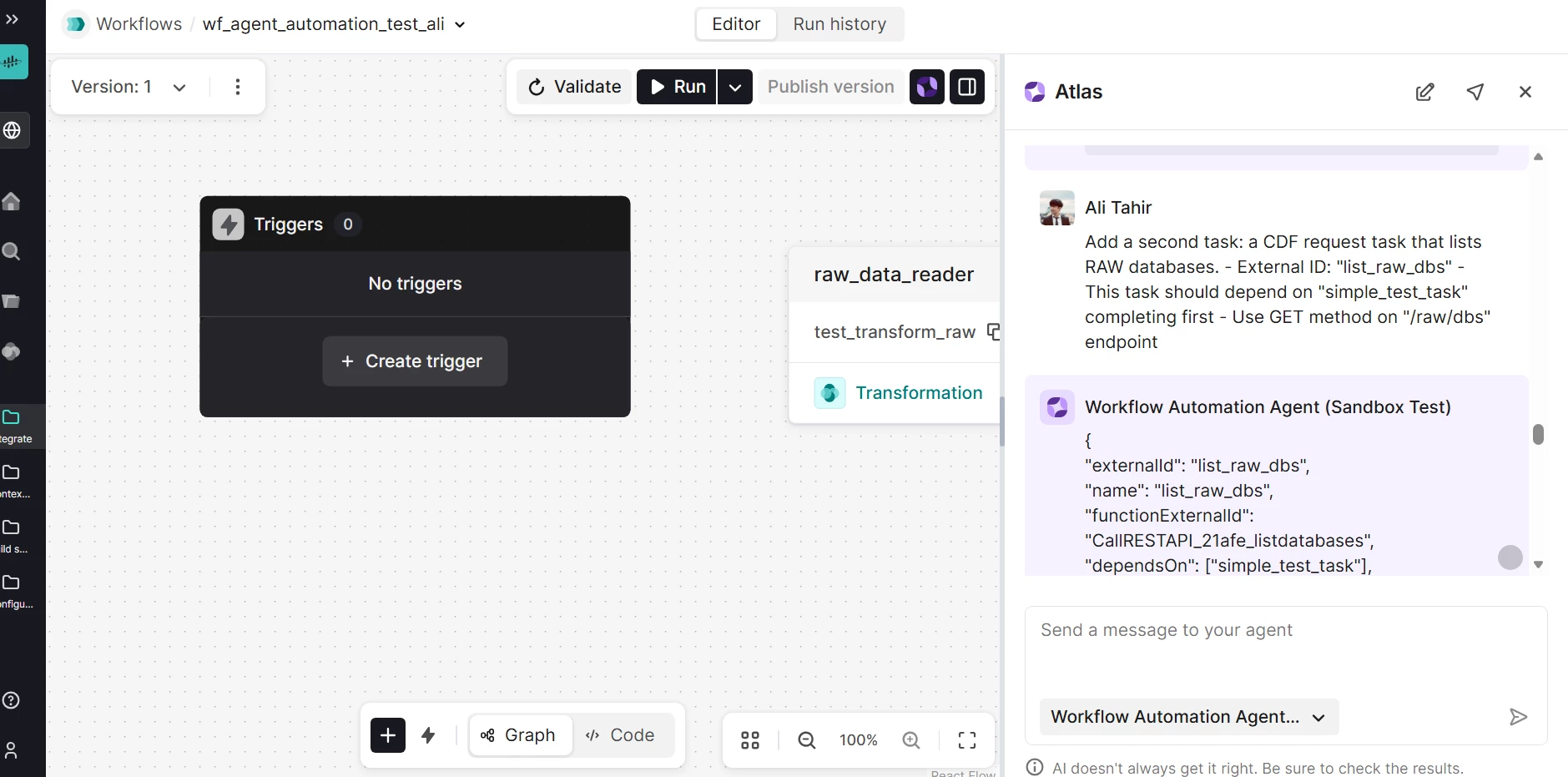
Workflow editor toolbar buttons unresponsive when right panel is open
I'm experiencing an issue with the Workflows editor where the bottom toolbar buttons (zoom in, zoom out, pan to center, auto layout) stop responding in certain conditions.
Steps to reproduce:
1. Open Workflows in CDF
2. Create or edit a workflow
3. Open the right panel (e.g., click on a task/agent to configure it)
4. Try clicking the zoom in/out/pan buttons in the bottom toolbar
5. Observe: Buttons don't respond when right panel is close to the left toolbar
6. Maximize browser window or close right panel → buttons work again
Expected: Toolbar buttons should work regardless of panel positions
Actual: Buttons appear to be blocked, clicks don't register when panels are close together
Workaround: Maximize browser window to create space between panels before using toolbar buttons
Has anyone else experienced this? Is there a better workaround or is this a known issue?