

 Check the
documentation
Check the
documentation Ask the
Community
Ask the
Community Take a look
at
Academy
Take a look
at
Academy Cognite
Status
Page
Cognite
Status
Page Contact
Cognite Support
Contact
Cognite Support


How to resolve 'This Location contains no files yet' error in diagram parsing for data modeling [Cognite Official]
To view files under diagram parsing for data modeling, ensure the following requirements are met:
- The files to be parsed are available in the data model.
- The corresponding instance spaces for the files have been added to the location.

The files to be parsed must be available within the data model.
In diagram parsing for data modeling, only files that belong to a data model are displayed. Please note that files uploaded directly to CDF will not appear unless they are added to the data model for parsing. You can refer Files in data modeling document for related details.
The related instance spaces for the files have been added to the location.
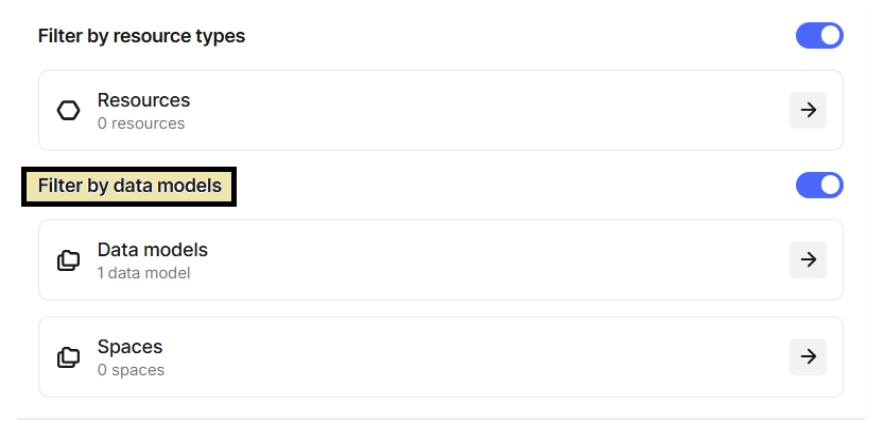
Create a location by following the steps in the Configure location filters documentation. After creating the location, ensure that you add the data model and the spaces related to the files under the Filter by data models section.
After completing the above steps, you will see the related files displayed as shown below.

