Check the
documentation
Check the
documentation Ask the
Community
Ask the
Community Take a look
at
Academy
Take a look
at
Academy Cognite
Status
Page
Cognite
Status
Page Contact
Cognite Support
Contact
Cognite Support
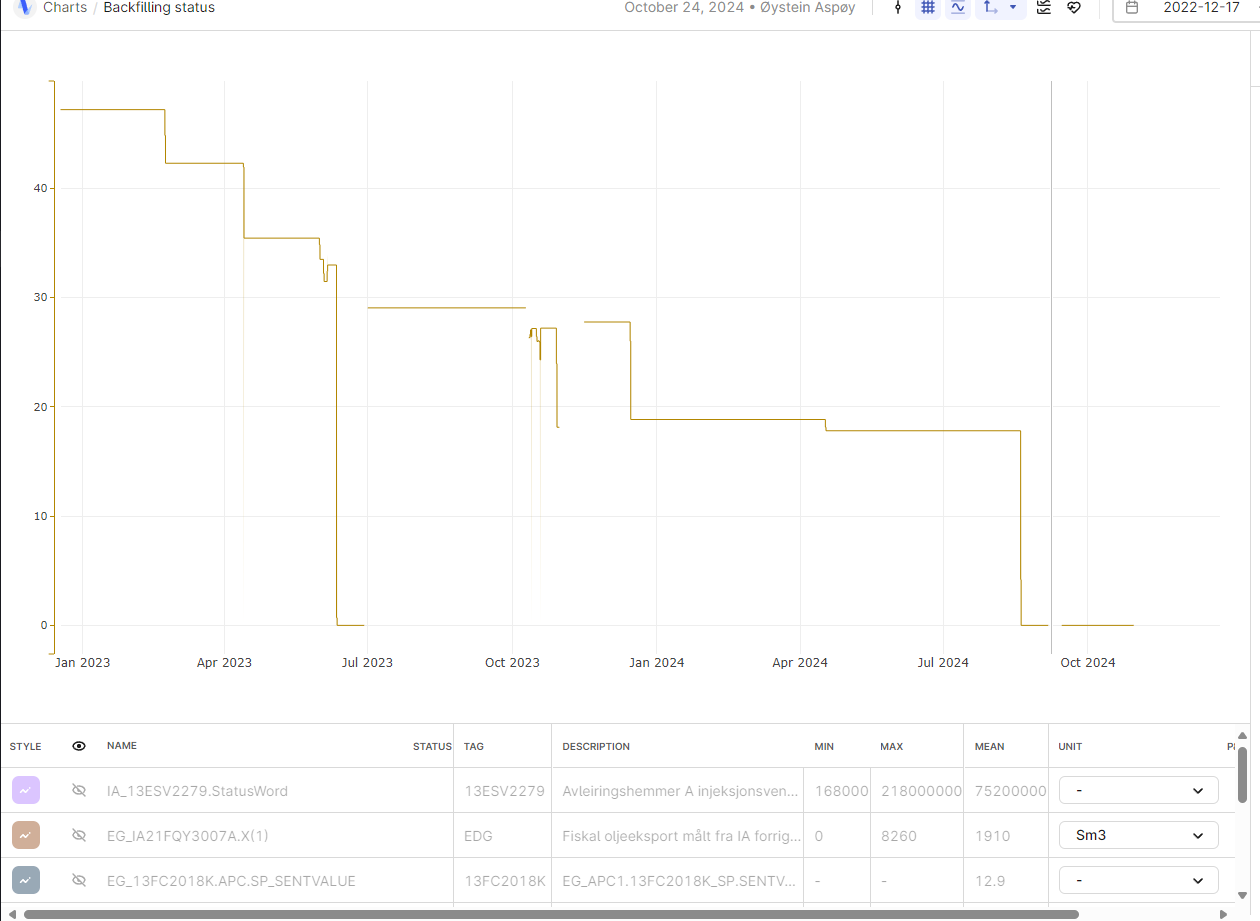
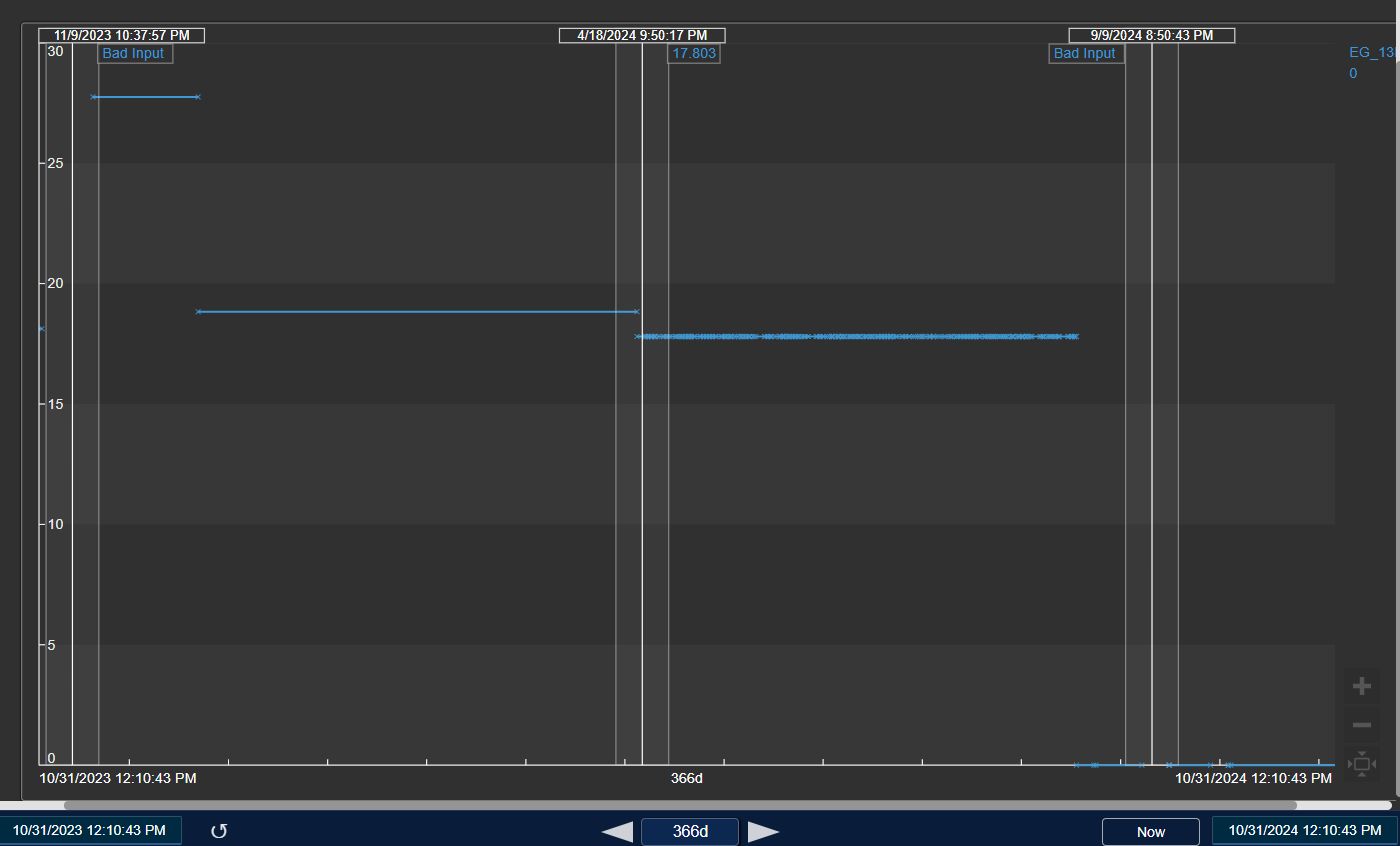
We need the Quality indicators (data point states) in the CDF front end tools, charts etc.
Is this something that is available or possible to configure?
Examples in the screenshots.


 +4
+4We need the Quality indicators (data point states) in the CDF front end tools, charts etc.
Is this something that is available or possible to configure?
Examples in the screenshots.
Enter your E-mail address. We'll send you an e-mail with instructions to reset your password.