Solved

Issue when pulling Excel Data through OData Connector

  • February 16, 2026
  • 2 replies
  • 44 views

Forum|alt.badge.img+4

Dear Community,

I am facing an issue when attempting to pull data from CDF into Excel through OData connector,
Main purpose is to have data pulled into excel & get periodically updated (+ historian)
As the Data from InField is required to be pushed into a specific Excel format for external reports.

However, the main issue is that after adding URL :
https:// westeurope-1.cognitedata.com/odata/v1/projects/{myProductionProject}

I immediately get the Navigator view ( no prompt to sign in yet)
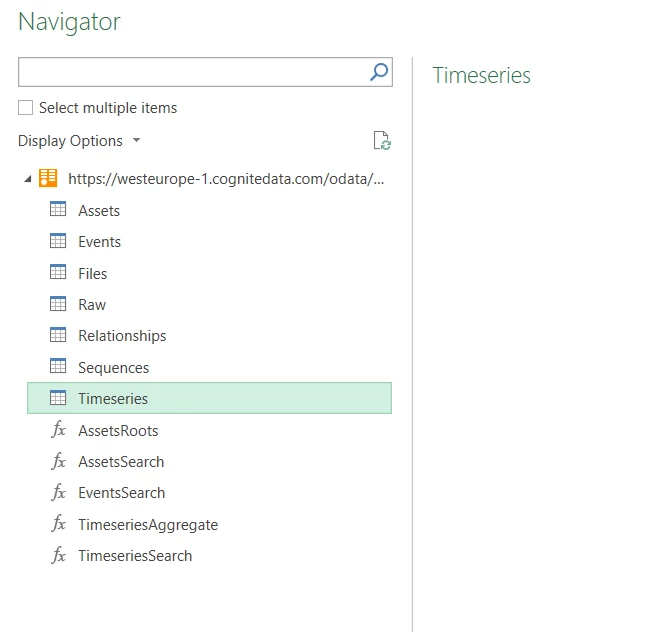
 

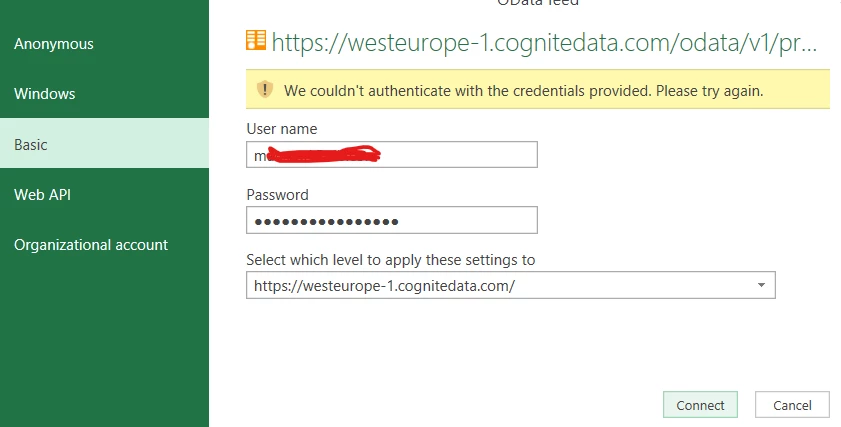
Then once I try to get any data, the login pop-up window is there, but is rejecting all authentication methods:
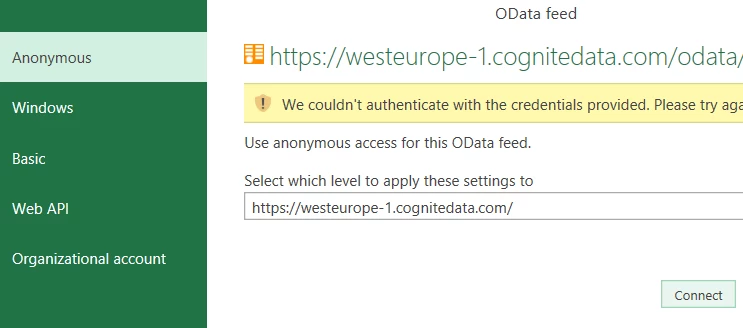
for both current & alternate credentials
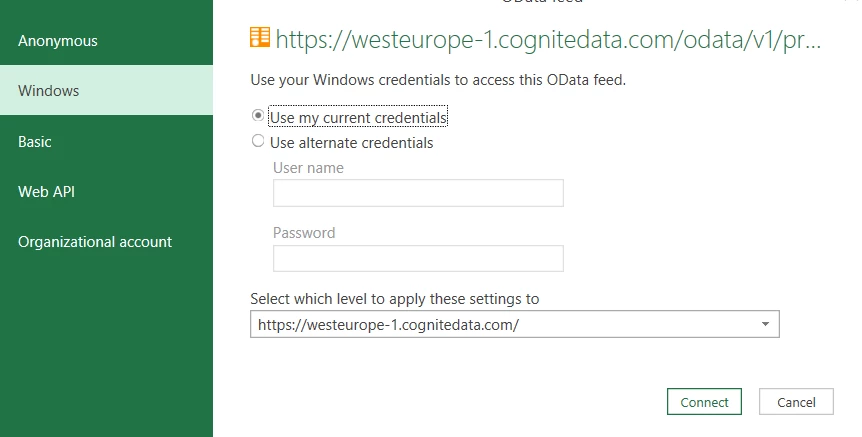


and this is for all levels of the URL -
For Web API Key Value, I wasn’t too sure where to get it from

To note, I know I have the required access, as I can pull data normally in PowerBI REST API,
Please advise, does the organization that has that  project need to add anything on azure ENTRAID side to allow this? or is it a different mistake I am making?
Best answer by Maryam Al-Anssari

When I tried using OData, I encountered the same issue as you.
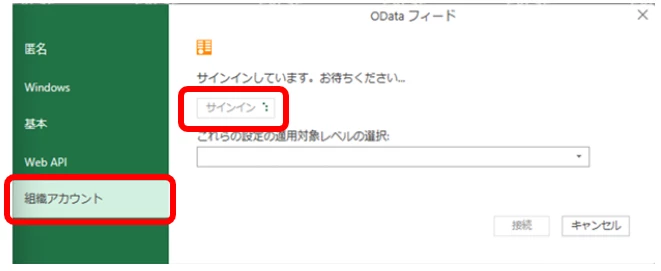
In my case, I selected "Organizational account", then clicked "Sign in".


After that, my company's organizational account appeared, so I signed in following my company’s authentication process.
 

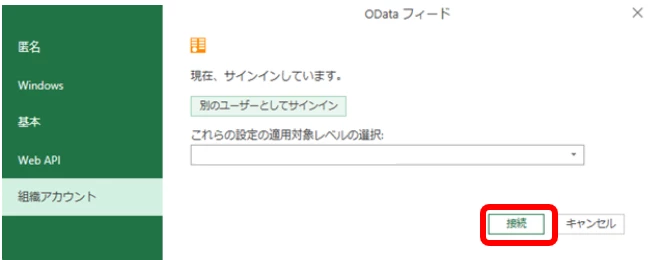
Once I did that, the “Connect” button became clickable, as shown in the screenshot below, and I was able to connect successfully.


(Sorry that the screenshot is in Japanese.)

I hope this information is helpful to you.

Hi Shun,
I did try that but it didn’t work,
However, at the end , I found out that the organization admin needed to approve the Microsoft PowerQuery First - whihc was not done,
Now all is working perfectly fine :)

Microsoft Power Query for Power BI and Excel - Cognite Docs

2 replies

Shun Takase
MVP
Forum|alt.badge.img

When I tried using OData, I encountered the same issue as you.
In my case, I selected "Organizational account", then clicked "Sign in".


After that, my company's organizational account appeared, so I signed in following my company’s authentication process.
 

Once I did that, the “Connect” button became clickable, as shown in the screenshot below, and I was able to connect successfully.


(Sorry that the screenshot is in Japanese.)

I hope this information is helpful to you.


Forum|alt.badge.img+4

When I tried using OData, I encountered the same issue as you.
In my case, I selected "Organizational account", then clicked "Sign in".


After that, my company's organizational account appeared, so I signed in following my company’s authentication process.
 

Once I did that, the “Connect” button became clickable, as shown in the screenshot below, and I was able to connect successfully.


(Sorry that the screenshot is in Japanese.)

I hope this information is helpful to you.

Hi Shun,
I did try that but it didn’t work,
However, at the end , I found out that the organization admin needed to approve the Microsoft PowerQuery First - whihc was not done,
Now all is working perfectly fine :)

Microsoft Power Query for Power BI and Excel - Cognite Docs