Check the
documentation
Check the
documentation Ask the
Community
Ask the
Community Take a look
at
Academy
Take a look
at
Academy Cognite
Status
Page
Cognite
Status
Page Contact
Cognite Support
Contact
Cognite Support

Solved
Updating geolocation on assets using Python SDK
Hi.
Is it possible to update the geolocatoin of assets using the Python SDK?
It seems I’m able to update the asset with a geolocation that renders the SDK unable to interact further with the asset. Example below:
## Create a new asset with geolocation

dsid = <data set id>

from cognite.client.data_classes import GeoLocation, Asset, Geometry

geometry1 = Geometry(
    type="Point", coordinates=[9.6573149,59.142253]
    )
asset = Asset(
    name="geotest",
    data_set_id=dsid,
    geo_location=GeoLocation(
        type="Feature",
        geometry=geometry1
    )
)
res = client.assets.create(asset)


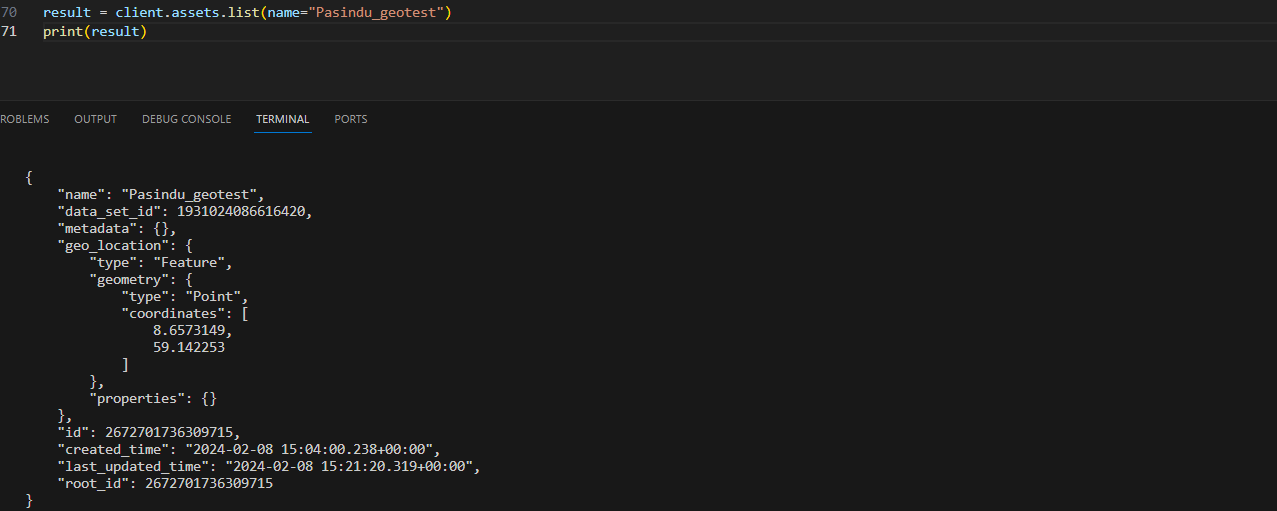
## List all assets matching the name .. it works well

client.assets.list(name="geotest")


## Update the geolocation, returns KeyError: 'type'

geometry2 = Geometry(
    type="Point", coordinates=[8.6573149,57.142253]
    )
res.geo_location = geometry2
res2 = client.assets.update([res])


## Now try to list the assets again. It fails, returning KeyError: 'type'

client.assets.list(name="geotest")