Implemented

Have a customer defined default configuration for the table view in Fusion

Related products:Search and Data Exploration
  • December 12, 2022
  • 5 replies
  • 54 views

Philippe  Bettler
Practitioner

Allow for customer to choose their own Configuration of columns rather than the default Cognite view.

This would be the new default, after which users can move fields around as they choose as designed.

The configuration includes:

  • which column is displayed in the table view
  • what order the columns appear in
  • the width of the column

This configuration is set by the customer - maybe in a dedicated page on fusion that is customer specific.


5 replies

Andreea Oprea
Seasoned Practitioner
Forum|alt.badge.img
  • Seasoned Practitioner
  • December 12, 2022

Hi Philippe, 

Thank you for the request. 
We will look into it. Though this might not be possible atm on short term and rather on medium-longer term with FDM.

But we can do some changes to the default so it better suits you. 

Best regards,
Andreea.


ibrahim.alsyed
Seasoned
Forum|alt.badge.img

thank you. We are working to provide a good default view for Celanese  that you can help with interim


Anita Hæhre
Seasoned Practitioner
Forum|alt.badge.img+1
  • Head of Community
  • December 20, 2022
NewGathering Interest

Hi @Andreea Oprea,

Following up on this issue as it’s been over a year since the last update and the ticket has been closed. Is this something that can get implemented as it’ll be very useful for InField users. 


Sofie Svartdal Berge
Seasoned Practitioner

Hi!
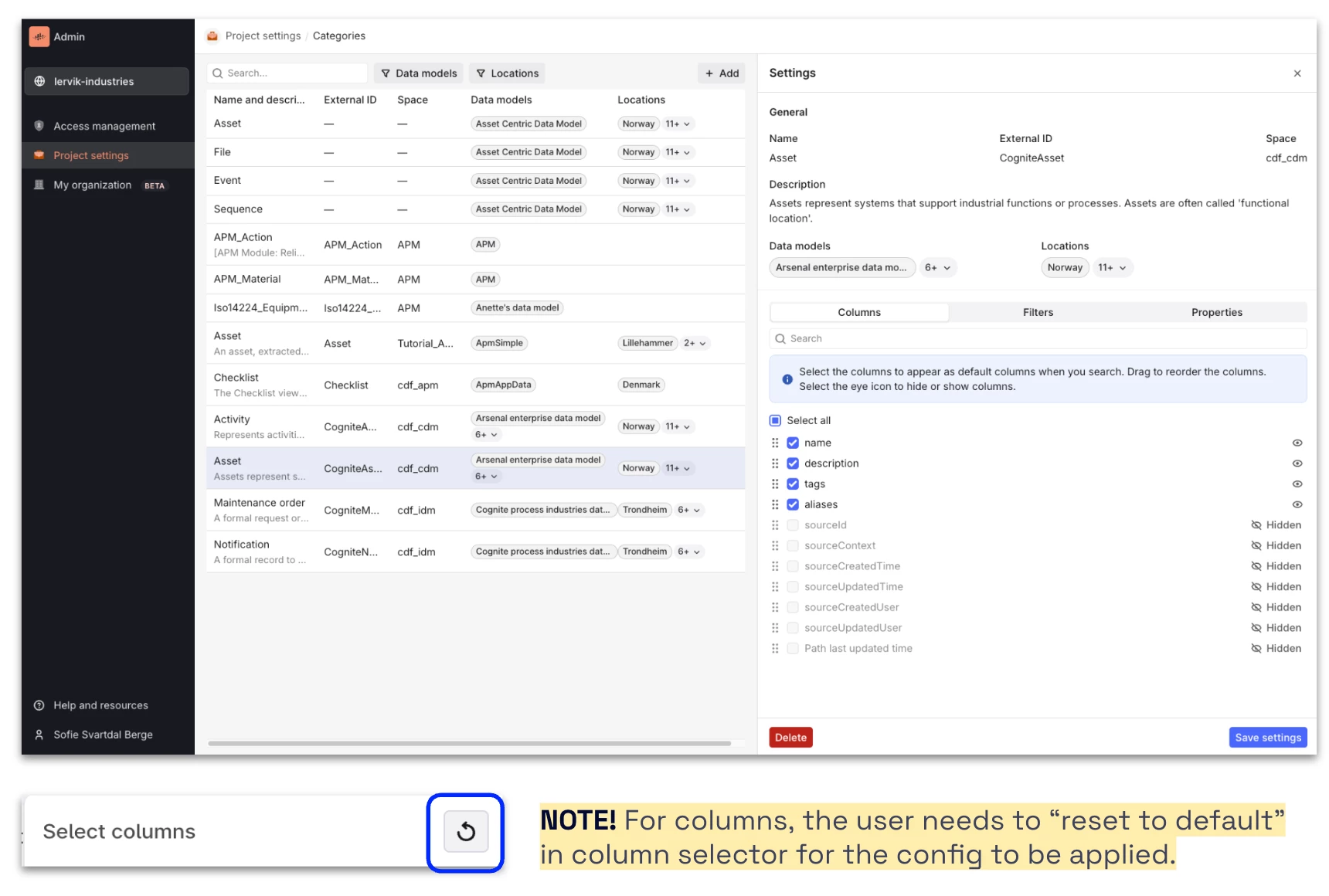
Admins can now configure default columns, filters, and properties displayed (including the order of them) for all users in the project (open beta functionality).

Here are the release notes: https://docs.cognite.com/cdf/whatsnew/#june-2025


Let us know if you have feedback!

Best, 

Sofie Berge, Product Manager