Implemented

Cognite InField: Display Document Types and description next to Document IDs

Related products:InField
  • April 14, 2022
  • 8 replies
  • 110 views

ibrahim.alsyed
Seasoned
Forum|alt.badge.img

Please display Document types and description  next to document numbers in the Congite Infield app, not everyone remembers document Ids

8 replies

Anita Hæhre
Seasoned Practitioner
Forum|alt.badge.img+1
  • Head of Community
  • April 15, 2022
Updated idea statusNewGathering Interest

Nicklas  Lind
Seasoned Practitioner
  • Seasoned Practitioner
  • April 19, 2022

Hi @ibrahim.alsyed. Designer from InField here 😊 Can you elaborate a little bit on your request? Perhaps share a screenshot of the context you’re referring to? I’m curious about what would be most helpful in your use case.

Nicklas 


ibrahim.alsyed
Seasoned
Forum|alt.badge.img

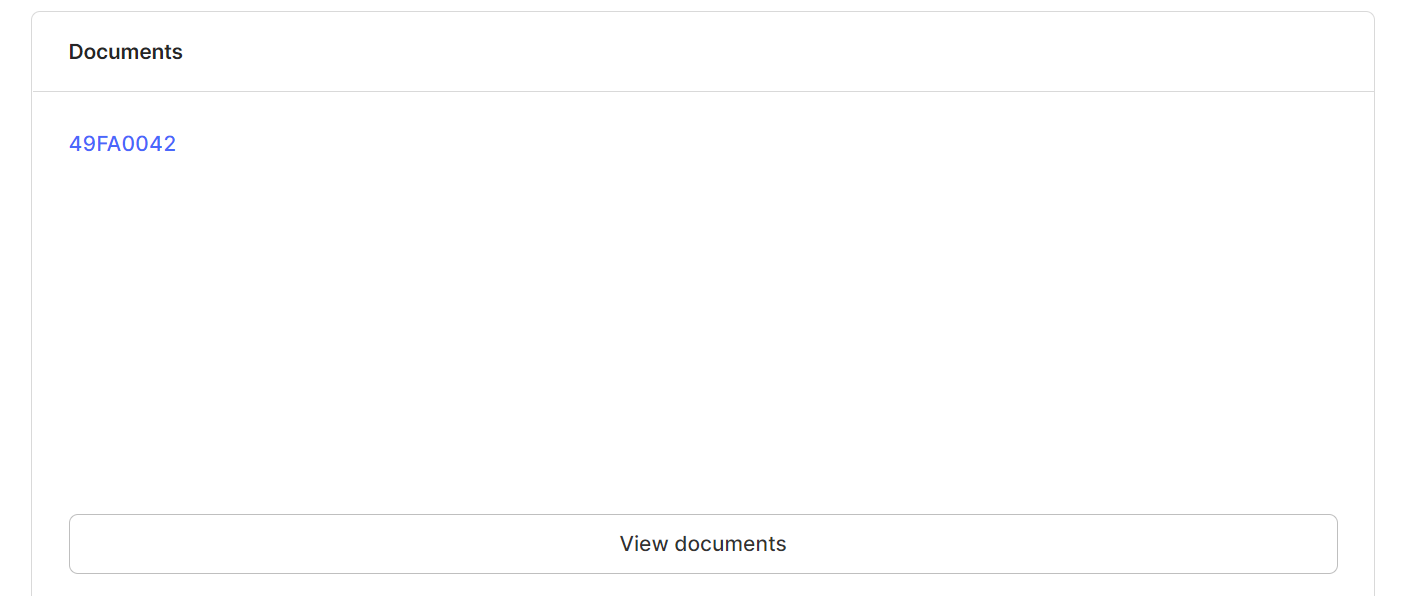
please see below. We just see the Document ID, we also need document type and description.


Jonas Laberg
Forum|alt.badge.img
  • Product Manager
  • May 9, 2022

@Erik Angelsen Can you shed some light on this?


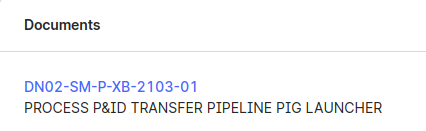
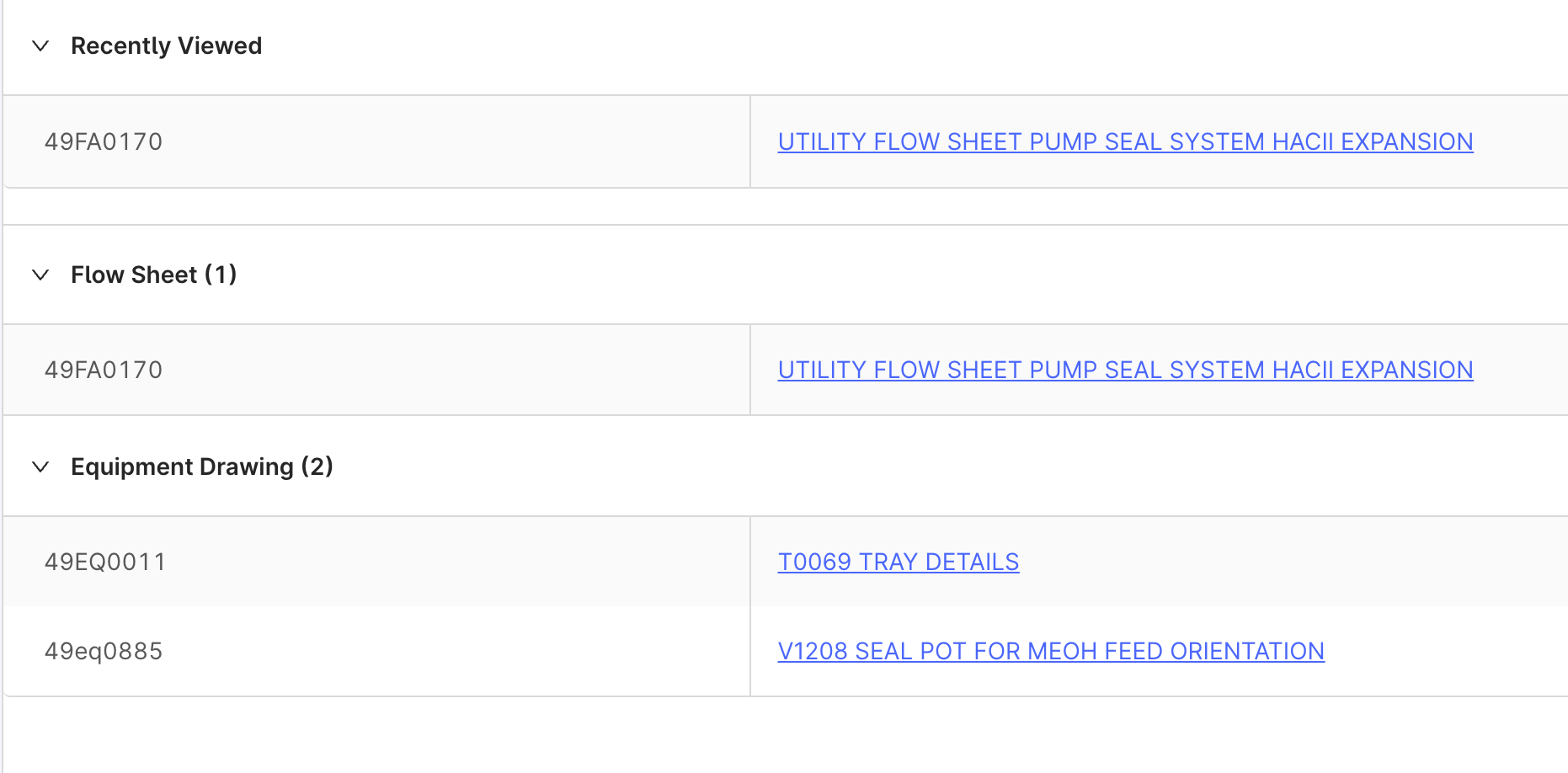
@ibrahim.alsyed Description should be visible if the app is configured correct @Philippe Bettler , here you see an example:


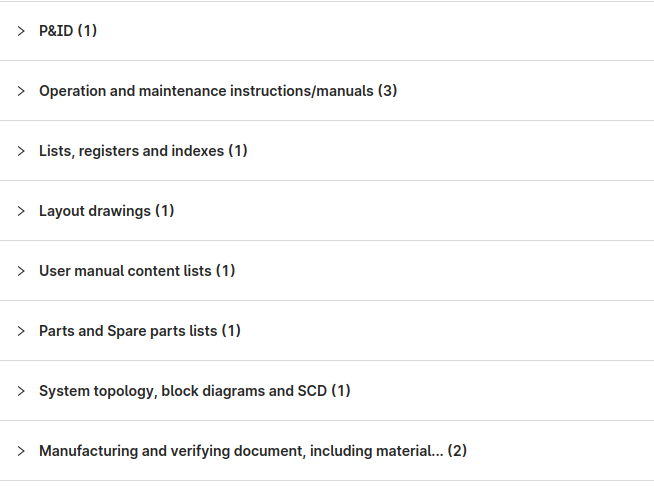
If you click the button “View documents” all documents should show as categorized by document type like this (also available in configuration @Philippe Bettler):


If tou need document type to also be visible in the asset overview document card, this would need to be added as a feature to the app, @Jonas Laberg 


Philippe  Bettler
Practitioner

@Erik Angelsen @ibrahim.alsyed , sorry I missed this one. 
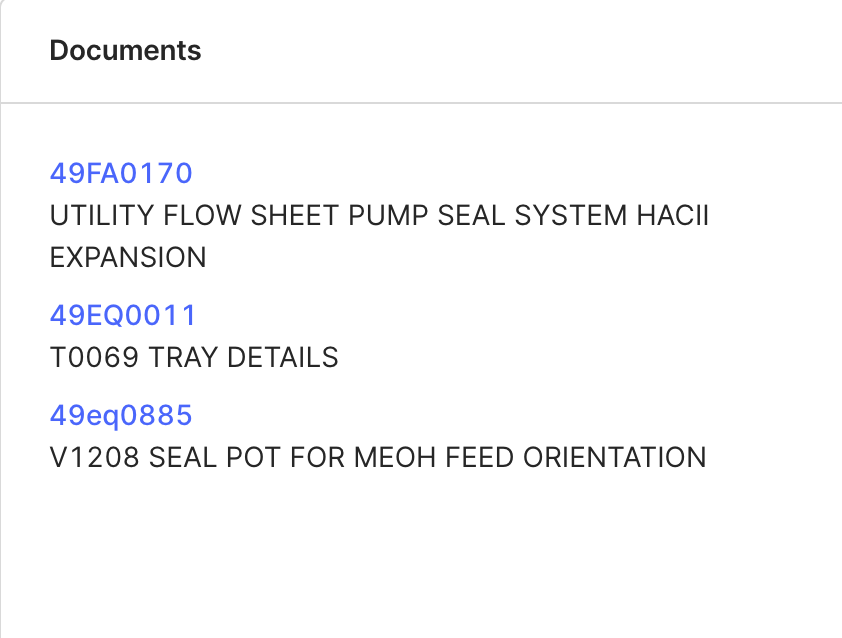
It has been configured correctly a while back, see below:


Jonas Laberg
Forum|alt.badge.img
  • Product Manager
  • August 15, 2022

Great, everything in order then.


Anita Hæhre
Seasoned Practitioner
Forum|alt.badge.img+1
  • Head of Community
  • August 15, 2022
Gathering InterestImplemented