Implemented

3D: Add timestampe for 360 images

Related products:3D
  • November 7, 2024
  • 9 replies
  • 64 views

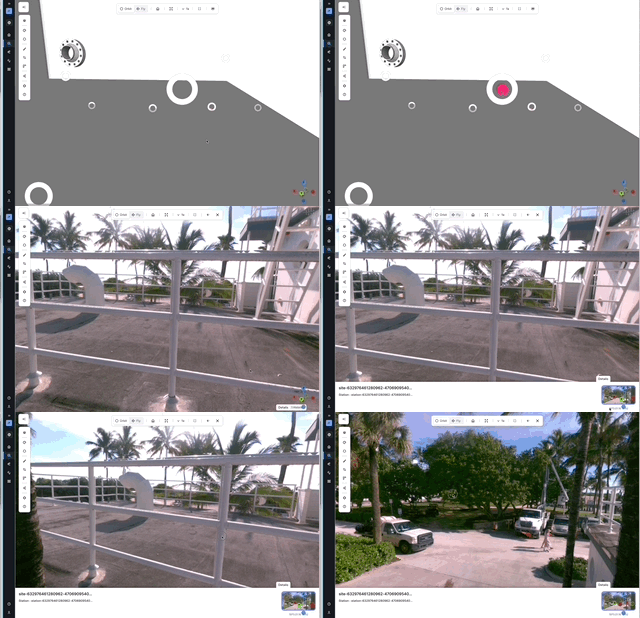
There is a timestamp for the latest update to the 3D model, but the UI should also show the timestamp of whatever 360 image you are currently viewing. This is a request from Clear Lake users, as they want to know if an image is outdated before they make decisions based on what is shown in the image. 

9 replies

Ragnhild Byrkjeland
Practitioner

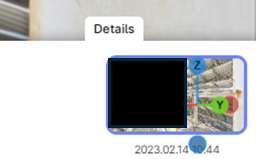
Hi, in the detail panel for images, the date stamp should be visible in the detail panel per image. See attached gif. Here you can also scroll through the historical images. Is this what you are searching for?


  • Author
  • Committed
  • November 12, 2024

Hello Ragnhild!

Thank you for showing me this. There is no date for me in the place you show.


Ragnhild Byrkjeland
Practitioner

Yes, I see that your 360 images do not have the historical data  (revision data) available. Checking in with the team on what might be the reasons for that.


Ragnhild Byrkjeland
Practitioner

@EmilyViola this should now be fixed and you can see the dates per image in your project!


  • Author
  • Committed
  • November 14, 2024

Unfortunately I am still unable to see the timestamps.


Ragnhild Byrkjeland
Practitioner

Sorry, I reported a bit fast there. They are testing in dev environment to see that the result is correct before we release it to production. So it should be visible soon.


Forum|alt.badge.img+6
  • MVP
  • November 21, 2024

Okay it is visible now, thank you! 

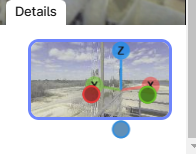
Could you move the coordinate tool? It’s blocking part of the date.


Ragnhild Byrkjeland
Practitioner

The coordinate tool is now no longer blocking the image and date!


Forum|alt.badge.img+6

Hello! Now I cannot see the Details pop-up on any of the 360 image files.