Question

3D File Extractor Fails to Ingest ~5GB Files While SDK Multipart Upload Succeeds

  • December 23, 2025
  • 7 replies
  • 113 views

Forum|alt.badge.img+4

Description / Problem Statement

We are using the Cognite 3D File Extractor to migrate 3D model files from an on-premises Windows VM to Cognite Data Fusion (CDF).

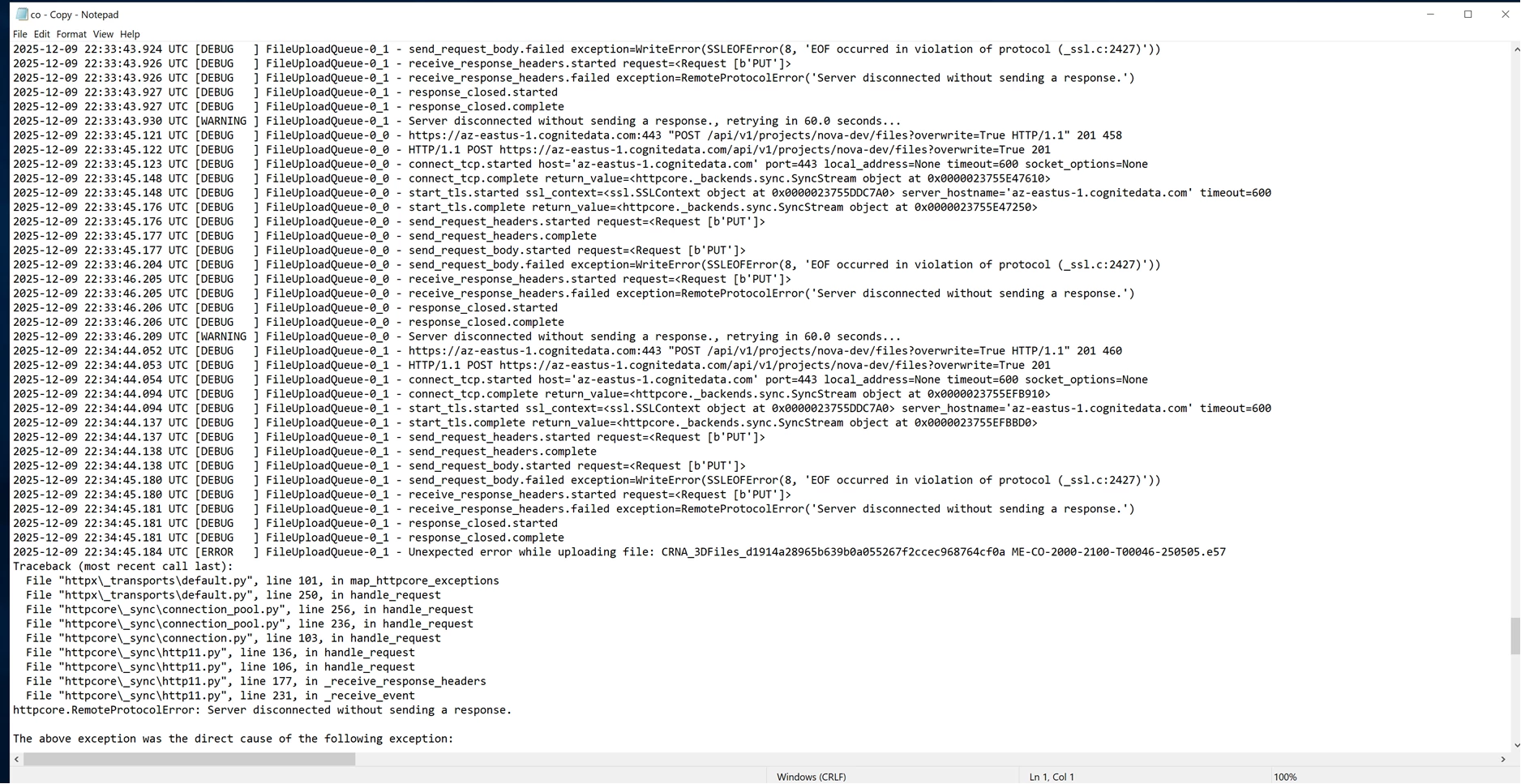
The majority of 3D files are ingested successfully with multiple sizes mostly > 10 GB. However, four specific files consistently fail ingestion, even after multiple retries.

Key observations:

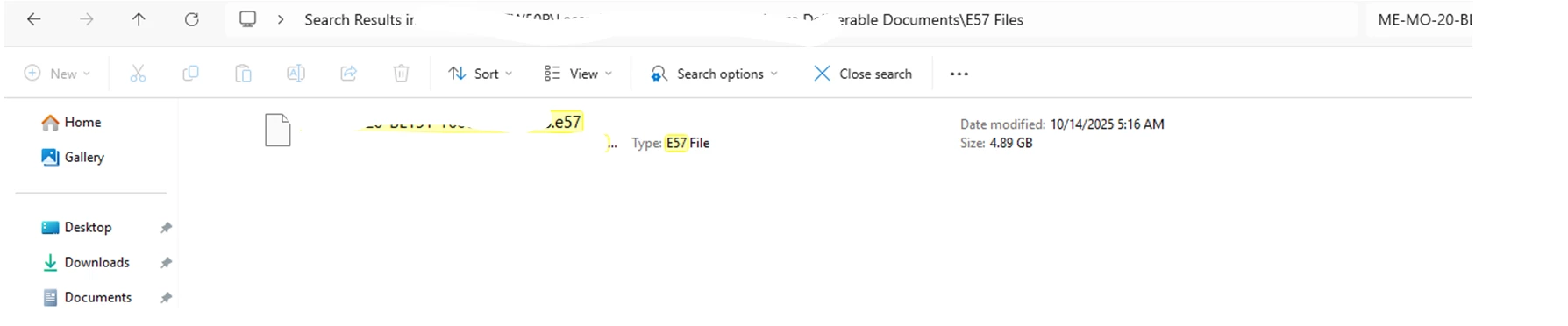
  • All failing files are close to 5 GB in size
  • Example sizes (as shown in Windows Explorer):
    • 4.99 GB
    • 4.94 GB
    • 4.91 GB
  • When checked via terminal/command line, these same files report a larger actual size (~5.3 GB)

    It appears that based on the Windows VM file size, the 3D extractor determines it should use a single-part upload. However, when it attempts to upload the actual file, the process fails because the size exceeds 5 GB



7 replies

Mithila Jayalath
Seasoned Practitioner
Forum|alt.badge.img+8

@Jeeva Ganapathy I’ll inform about this to the relevant team. In the meantime will you be able to check this how-to guide as a workaround?


@Jeeva Ganapathy 


> We are using the Cognite 3D File Extractor to migrate 3D model files from an on-premises Windows VM to Cognite Data Fusion (CDF).


Can you confirm that you are using the Cognite File Extractor? I assume you had set this up using this particular documentation.


> It appears that based on the Windows VM file size, the 3D extractor determines it should use a single-part upload. However, when it attempts to upload the actual file, the process fails because the size exceeds 5 GB

 

Can you share the complete logs and also config file that was used to run the extractor? 


Forum|alt.badge.img+4

@nithin.bodanapu 
>Can you confirm that you are using the Cognite File Extractor? I assume you had set this up using this particular documentation.

Yes, that is correct.

>Can you share the complete logs and also config file that was used to run the extractor? 

Please find the attached documents for your reference.


@Jeeva Ganapathy I am currently looking at the logs. I will get back to you utmost by Monday 19th January. If I finish my analysis before that, I will keep this thread updated.


@Jeeva Ganapathy I am still doing some testing due to which there were a few delays. I will send you the update tomorrow. 


Apologies for the delay.


@Jeeva Ganapathy I have been testing this quite actively, and I was able to discover a bug where, if a file is close to 5 GiB the upload fails. But the difference is behaviour is that, we see an error which explicitly says that the payload is too large.


```

httpx.HTTPStatusError: Client error '413 Payload Too Large' for url '<upload_url_for_file>' 

```


But in the logs that you uploaded, this particular error message does not show up. I am going to create a reference to this bug internally and we will look into this. I would recommend that you create a support ticket with this hub as a reference so you can stay updated with the releases of the File Extractor. 


Mithila Jayalath
Seasoned Practitioner
Forum|alt.badge.img+8

@nithin.bodanapu ​@Jeeva Ganapathy I’ll create a support ticket for this issue from this ticket.